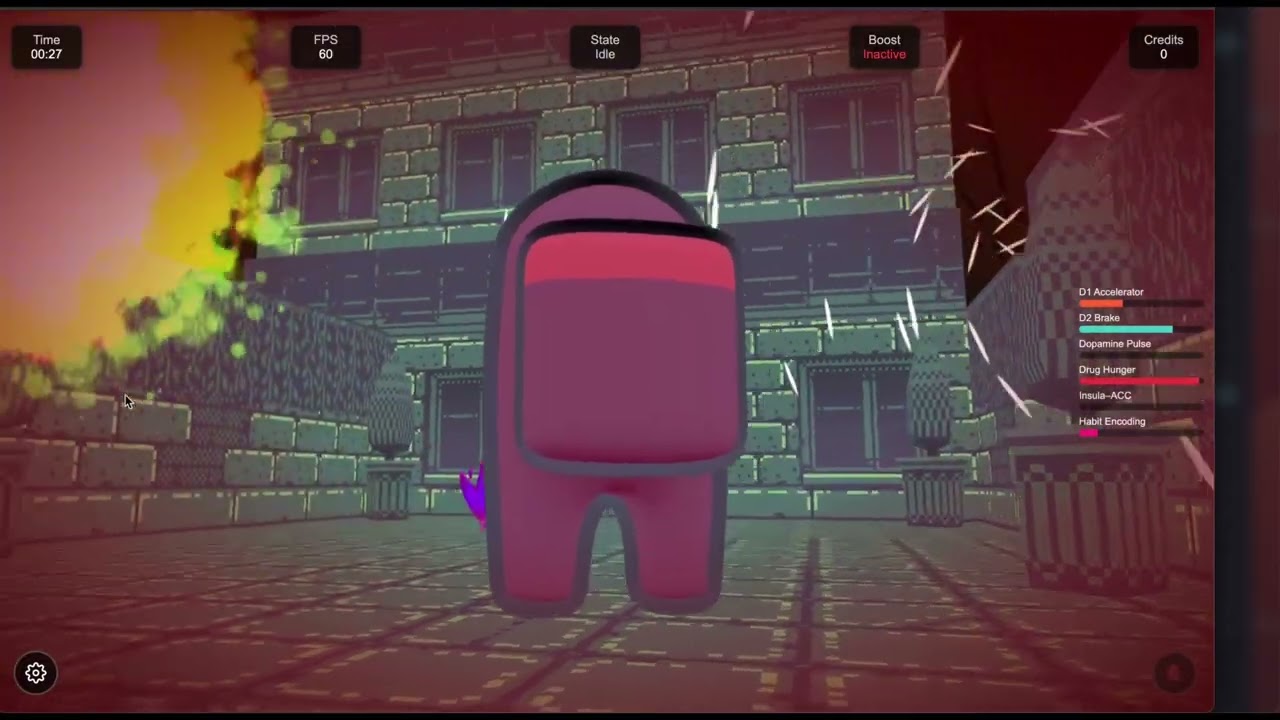
Here is the first basic guide to feature release . More to come.
4 Likes
I added a two-phase deploy to Chat-Slayer for fingerprint verification and response to potential MITM.
# Deploying Chat Slayer on Render (free web service)

> **Deploy failed with `BACKEND_TLS_FINGERPRINT_SHA256 is required`?**
> Render Dashboard → **Environment** → paste from [`scripts/render-dashboard-phase1.env`](scripts/render-dashboard-phase1.env) (`BACKEND_TLS_PIN_ENFORCED=false`) → **Save, rebuild, and deploy**.
> After the service is **Live**, paste [`scripts/render-dashboard-phase2.env`](scripts/render-dashboard-phase2.env) for TLS fingerprint verification (or run `npm run render:gen:env -- --url https://<your-service>.onrender.com --write`).

This guide matches the repo’s [render.yaml](render.yaml) blueprint and how the app reads configuration at **runtime** (never from the Vite build).

## Free-tier constraints (what the app expects)

| Render free tier | How Chat Slayer handles it |
|------------------|----------------------------|
| **One HTTP port** | Listens on `0.0.0.0` and `process.env.PORT` (injected by Render). Do **not** set `PORT` in the Dashboard. |
| **No second port** | `FEDERATION_ENABLED=false` in `render.yaml` (Matrix federation listener stays off). |
| **Ephemeral disk** | Matrix state is in-memory; redeploys and restarts clear users/rooms. Plan for `BACKEND_INITIAL_USERS` to re-seed if needed. |
| **Service sleeps when idle** | First request after ~15 min idle can take 30–60s (cold start). Health check path `/health` (see [render.yaml](render.yaml)). |
| **512 MB RAM** | Single Node process + bundled deps; avoid enabling federation or extra listeners. |
| **HTTPS at the edge** | Set `BACKEND_PUBLIC_URL` to `https://<your-service>.onrender.com` (required in production). |

## Quick deploy (Blueprint)
show original
Here is an example Render deployment of the Babylon Game Starter with multi-player and separate E2EE MITM mitigated chat via Chat-Slayer.
4 Likes
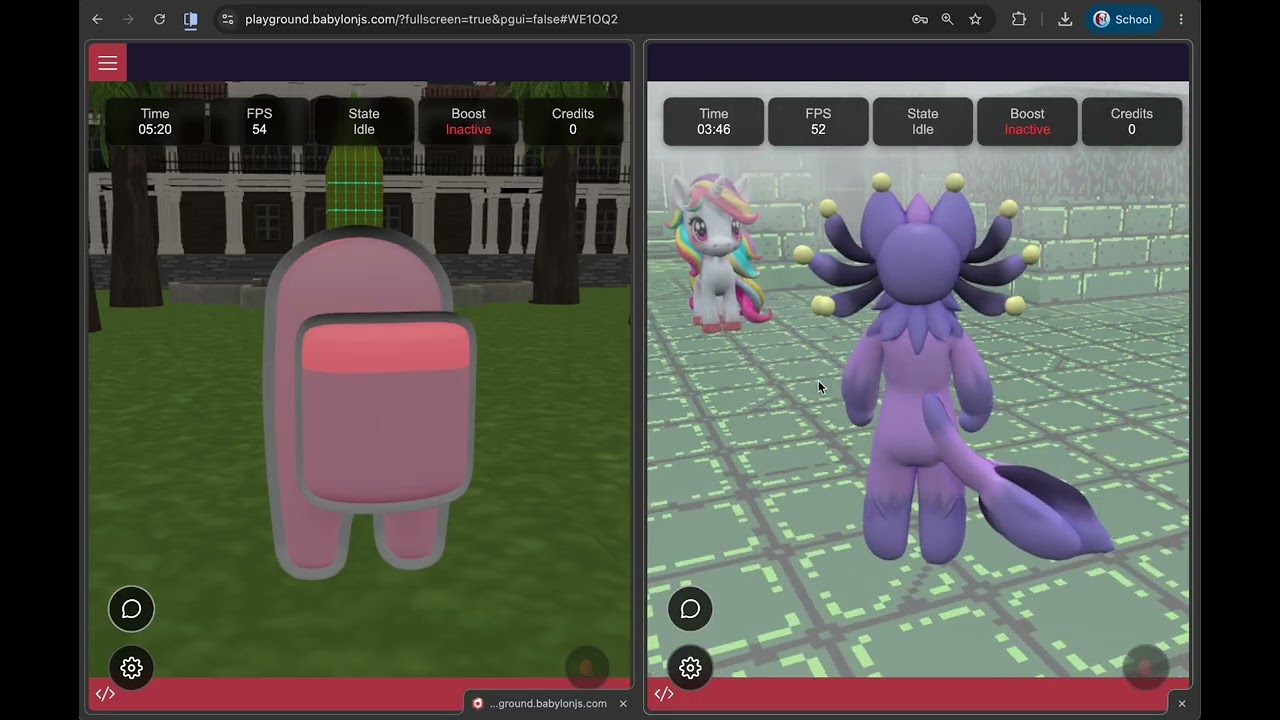
The Babylon Playground exporter from Babylon Game Starter has been updated. Here is a video highlighting a couple of the new features. Here is a new playground . Note that you may need to go into the settings, show the playground UI and run once again in order to facilitate all the TS compilation which needs to complete.
2 Likes