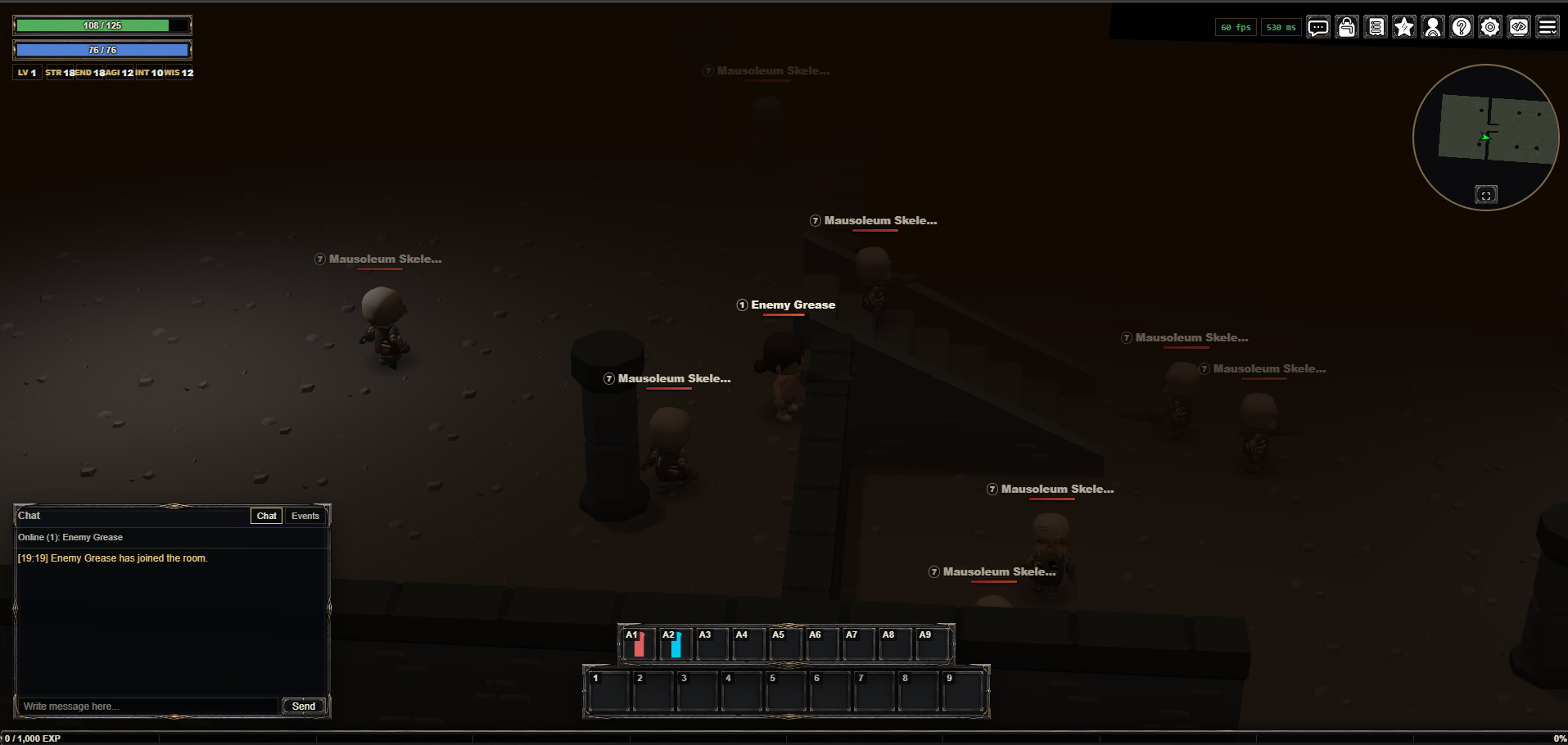
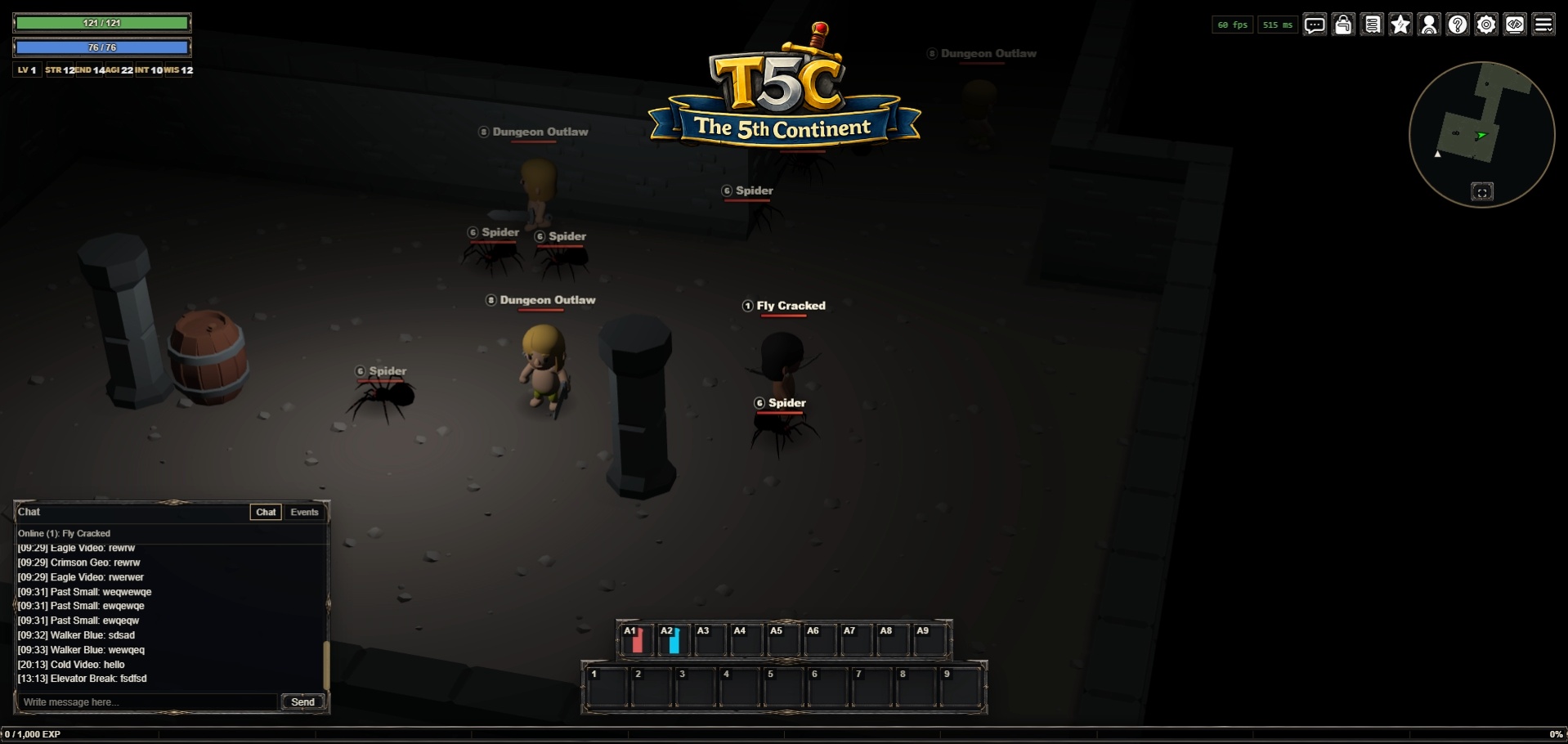
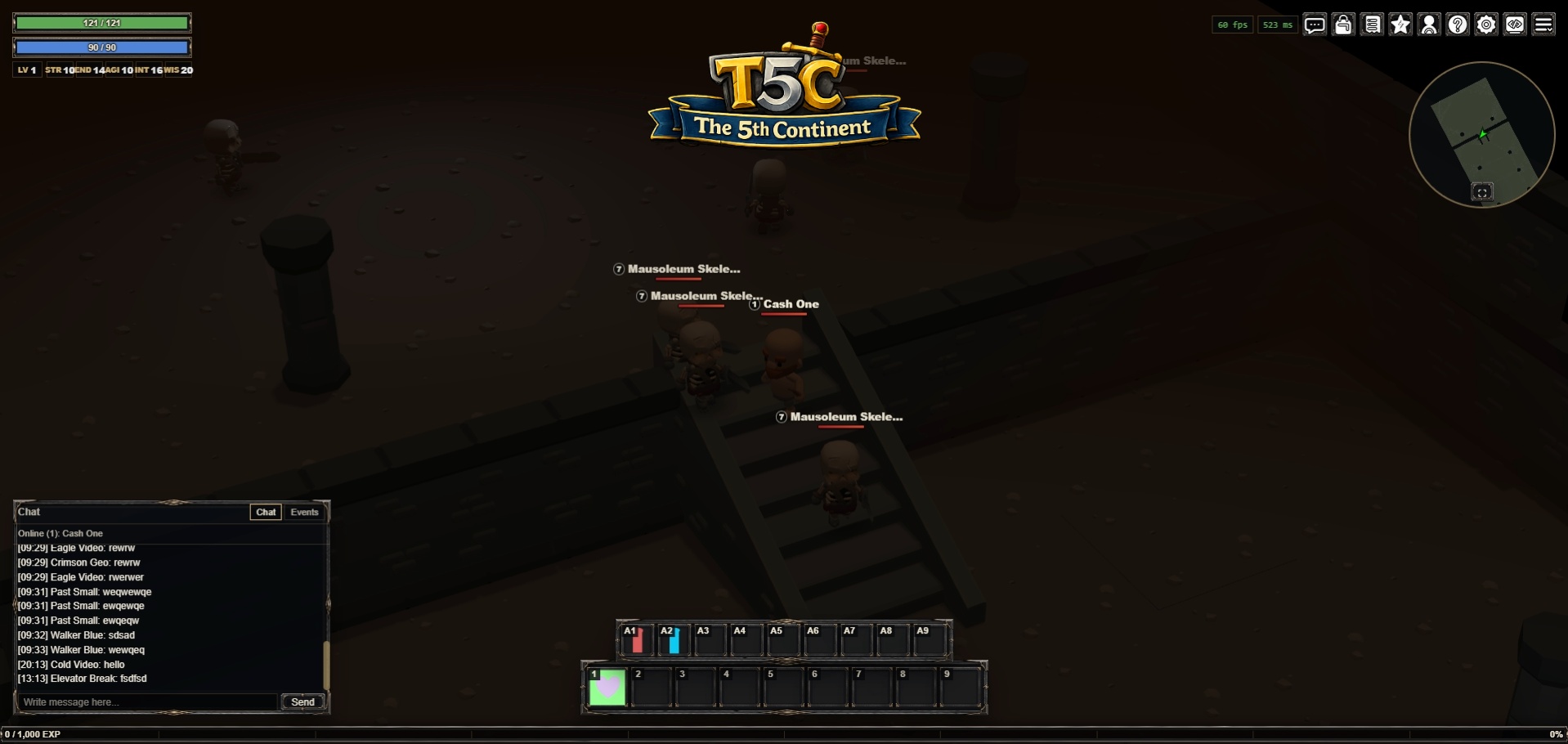
Improving the dungeon “dark” feeeling + corresponding dungeon music theme 

and a new dungeon (mausoleum) filled with skeletons
Improving the dungeon “dark” feeeling + corresponding dungeon music theme
and a new dungeon (mausoleum) filled with skeletons
Started prototyping timed procedural dungeons as an alternate game loop, not sure if this is the right way to go  the idea is:
Eldoria is the shared town hub (no enemies); dungeon gameplay happens in private instances. Players prepare in town, enter normal or daily dungeon instances through existing entrances, clear required enemies, defeat the champion, earn persistent rewards, and compare daily challenge times.
I’ve done a few runs, but I dont think the current combat system fits this style of game loop, but i’ll keep trialing for a while longer.
A few shots of the test branch:
Hi,
I’ve done some good progress on improving the combat flow and speeding up the overall gameplay. I’m happy with the ranged combat, but melee combat still needs a bit of work.
A few of the latest changes:
As usual, demo can be found here: https://t5c-v2.onrender.com/
That’s it for now,
Cheers,
Orion
holly molly, loving the progress, keep it going! I went ahead and jumped onto the game and loving the music, the ui, everything!
The only struggle I have (had in the past as well) was that I forgot how to move the character. After a couple of attempts I finally got the character to move, I noticed that I have to hold down the left click on the mouse and drag the cursor in the direction I want them to go. But at first the character was moving at odd angles and not following my cursor at all. I only got it to work properly by moving my cursor allllll the way to the borders of the screen. I guess my macbook pro screen must not be the ideal viewport for this game 
Honest feedback here: why not use a simple click-to-move mechanic instead of click-hold-and-drag? I think it would make the movement completely foolproof (for an idiot like me) something like this (a game im working on) game.gangwars.io. I noticed you have click to move for attacking monster and picking up items. Might not be too much work to convert. Or, maybe fix the click-and-drag mechanic so that the character moves toward the cursor no matter how far away the cursor is from the character.
keep up the good work, love seeing the progress. 
ps: digging the new logo 
About the progress, yeah I’ve done a big push lately, glad it shows in-game
You’re 100% right, just a few days ago, I was explaining to someone how to move, it is obviously not clear enough. The transition to click-to-move is easy (most of the logic is already integrated), it should be live on the demo now.
I did also notice the drag was slightly offset yesterday even on a standard screen, this should be fixed now too.
Thanks for testing and encouragement