Hello,
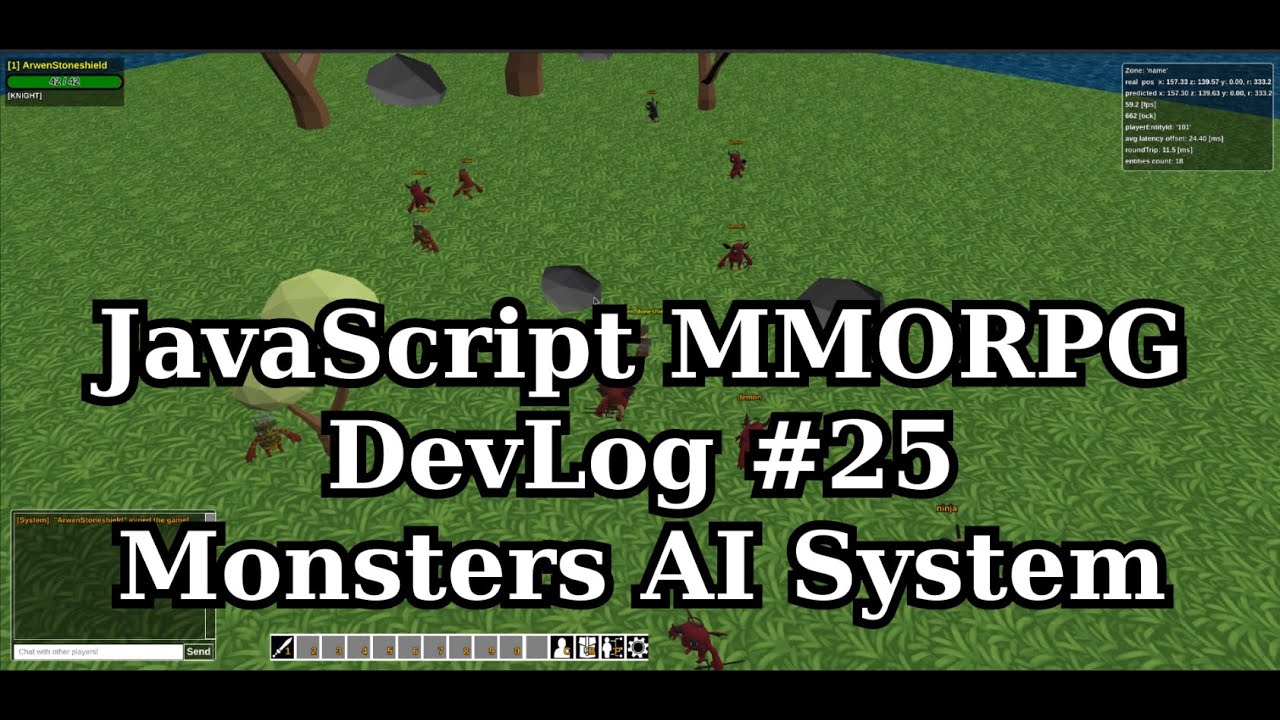
Finally I finished work on first prototype of monsters AI module. Monsters have several states: IDLE, PATROL, DEAD, FLEEING, COMBAT.
Idle monsters are non active even when someone attack them. Patrolling ones are walking around and checking each 0.5s is they have someone to attack in a range if yes then they start chase target (combat state) and attack when in range. Dead are obvious and fleeing is triggered when monster is enough far away from the position where it switched into combat state.
I also added death to the monsters after 120s they respawn.
Implementation have some bugs and AI it’s just bunch of ugly if’s but It enables further development and testing. I will go back to this after some time and try to improve it.
From the technical point of view it’s designed in a way that monsters service is independent from the main engine loop. It can be deployed on separate machine, I hope this will very significantly unload main engine in the future, I’ll be able to afford very inefficient AI implementation without compromising game performance.
Monsters are pretty much like players but are not connected by websocket’s proxy but by internal api (redis pub-sub in future, right now I’m working on the mock for simplicity but have prepared redis and mocked implementation).
Monsters service keep replicated state of the whole simulation and ‘AI agent’ is responsible for handling all monsters logic.
And spoiler only for Babylon.js 
Yesterday for the first time I deployed game into web server. I took me few hours to build prod versions of client and server (setup build config, server addresses etc.). To be honest this is my first app in my life which i deployed by myself  First what i noticed that my game was using almost 100% of CPU of tc2-micro aws instance (0 entities in simulation). I had previous observation from my local development that there’s a problem but I postponed fixing.
Today I downloaded and ran java profiler with a hope that I will find problem. What I notice that w of the threads are active 100% all the time. After taking look into game loop code I notice big problem. I didn’t have any sleep time in the loops, so it was using all the resource it have (processor core). After introducing short sleep into loop. local CPU usage dropped from around 34% to around 1%. On aws right now I’m observing cpu usage around 8% which is nice I think.
I tested few things with my friend and also talked about character controller and general gameplay. We found few bugs, for example when chat is full newest messages are not visible. Still there’re a lot of things before public demo but it’s one step closer 
I’m pasting ‘historical’ screenshot from this event (PS. aws instance is closed so You wont be able to enter to the game :P)
