I’ve created a Ground Mesh from a HeightMap PNG file, which creates a nice Mesh with various Y positions on the top/surface.
However I can look partly under/through the terrain when I view with the camera from the side (e.g. from XY plane into Z direction).
I want to enclose the remaining 5 sides of the Mesh (like all but the already created top side of a Box Mesh).
Maybe I want to put a texture/color on each of these sides as well.
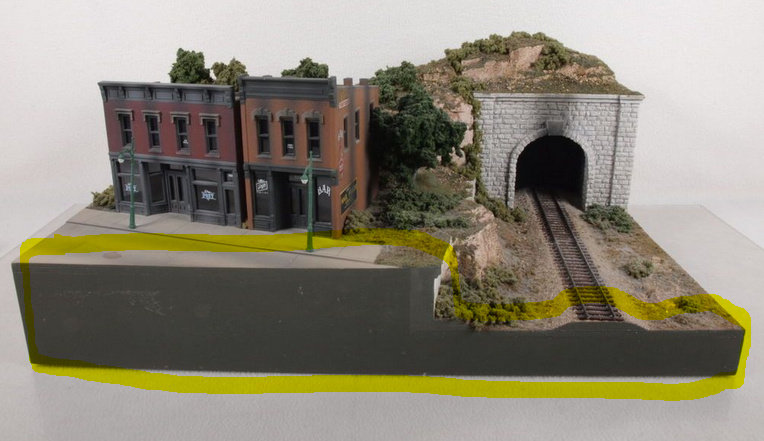
See the example image of a typical (model train ) diorama where the sides of the ‘height map’ are solid (gray in this case):
For square heightmaps the Ribbon on the sides works perfectly!
How to extend the playground function so that it also supports non-square Ground Mesh? E.g. so I can supply both a groundWidth and a groundDepth instead of only groundSize?
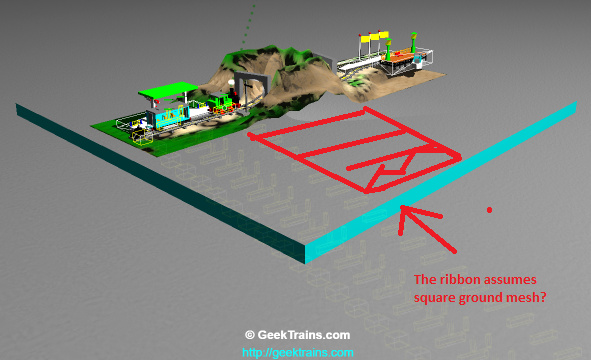
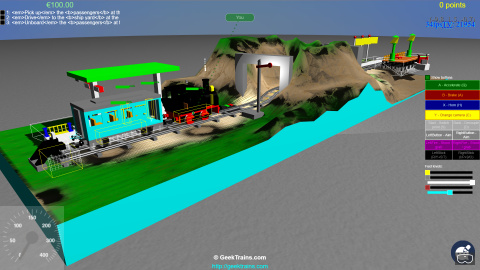
The cyan side in the 2nd picture is the ribbon created. It’s square instead of rectangular for this 2nd level.
The mountain cut-out in the middle of this level isn’t found in the ribbon side on the 2nd picture. See the red lines.
 ) diorama where the sides of the ‘height map’ are solid (gray in this case):