pOqpOq.com - Sharing my Babylon JS Project

Hello all - I thought i might share a little bit about the project i’m working on. I’ve been working on a multiplayer, browser based, world building, questing, combat, dungeon, event space - multi-verse. It’s amusing to me, but definitely still in alpha. If anyone is interested in exploring it’s at https://poqpoq.com/

I included an app i called Happy Puppy, (because i wanted to) that is for beta reporting, adventuring, tracking frame rates etc. if you happen to check it out i encourage you to use the little fox button to let me know your thoughts. You can also use it to trigger attacks on yourself or spawn random npc’s. I did some cool water simulation and clouds and shadows most recently - so would love your thoughts on any of it. (I really am in alpha - so if things suddenly collapse, i apologize. but there is functionality to let you explore, build your own worlds etc.

if you have a few minutes to give it a look and share your thoughts - i’d love to hear them.

Thanks for any time you can spare -

Allen

2 Likes

I have no idea what’s going on but it looks cool!

Ah - right, of course… Here’s a video that’s more aligned to the ‘kinds’ of things that people can do. Think of it like - Hey you got your game creation tool in my social event space. Nu-huh, you got your dungeon builder in my world building tool. No way man, you got your generative 3d art in my metaverse. It is what you make it.

This video gives a bit more of a tour. (And thanks for the kind words.)

Hope that helps,

Allen

Is it Babylon water material or a custom shader?

(I need some good water for my lake) :slight_smile:

Hey labris — custom shader, but not a from-scratch one. It’s Babylon’s PBRMaterial with a material plugin (MaterialPluginBase) injecting into the PBR shader, so the water gets the sun, shadows, image lighting, fog and the atmosphere’s aerial perspective for free, and shades with the same lighting model as everything else in the scene.

I did start on WaterMaterial and moved off it for two specific reasons: it sums the lights into a diffuse term and then discards it (finalDiffuse = baseColor), so it stays bright in a blackout and never receives a shadow — and its reflection render target can’t see the new atmosphere, because the atmosphere only draws into the scene’s own rendering manager. Any RTT you point at the sky gets nothing.

The layers, roughly in the order I added them, which is also roughly their bang-for-buck:

  1. Depth. I bake one depth texture (water level minus terrain height) when the terrain settles. That single texture buys the colour (shallow → deep by Beer-style absorption), a soft shoreline — alpha fades to zero as depth does, so there’s no hard line where the plane meets the ground — the lapping foam line, and wave damping at the beach so swell doesn’t walk up the sand. For a lake this is most of the win.
  2. Sky reflection with no RTT. Per pixel, reflect the view direction and sample the atmosphere’s own sky-view LUT — the same lookup the sky compositor uses. It’s sharp, it costs nothing, and it matches the sky exactly at dusk, which is where every reflection hack I tried fell apart. (WebGL2 falls back to evaluating Preetham in the shader.) I replace PBR’s final environment radiance at CUSTOM_FRAGMENT_BEFORE_FINALCOLORCOMPOSITION rather than at CUSTOM_REFLECTION — the latter was fragile about which system bound the environment texture last.
  3. Ripples. Four layers of one generated normal field instead of a photo normal map. It’s a random-phase spectrum summed by inverse FFT, so it tiles by construction and its slopes are an actual gradient field with sea-like statistics — the eye stops finding the pattern in it. Wind-aligned, and each layer fades out by its own pixel footprint rather than by mips.
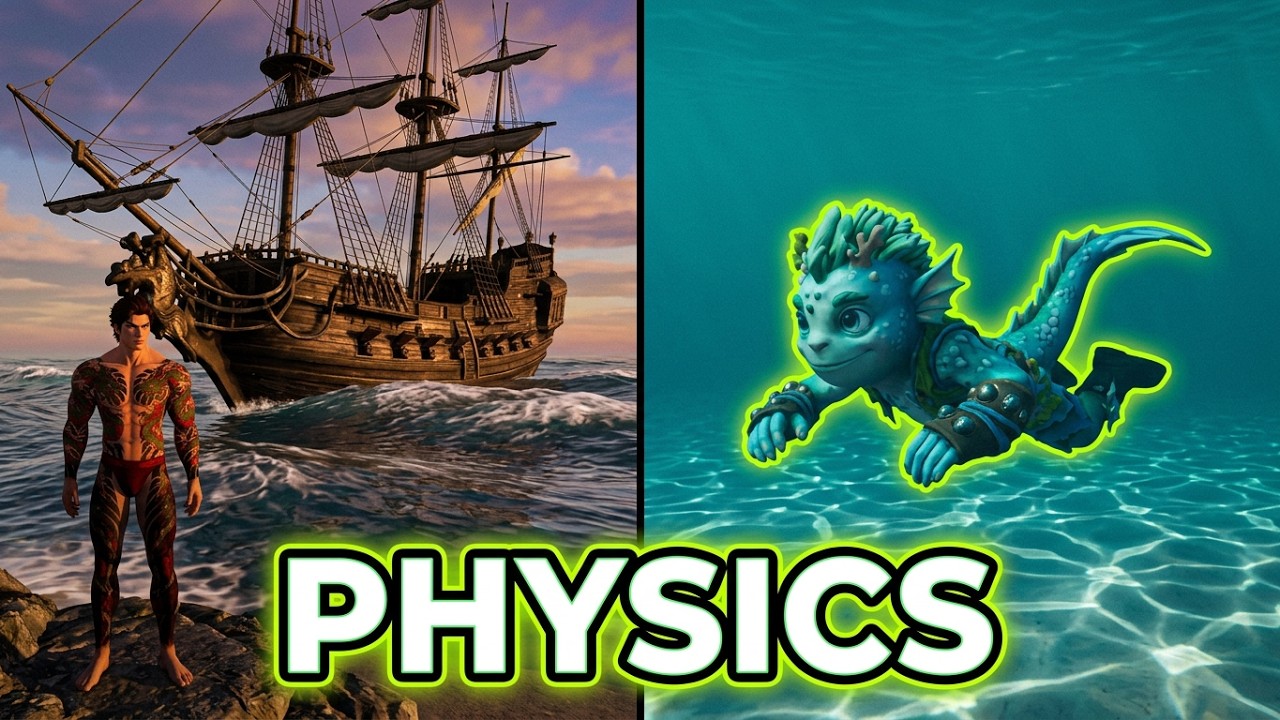
  4. Swell — and this is where being multi-user drove the choice. A dozen Gerstner components drawn from a JONSWAP spectrum, displaced in the vertex shader. I went with Gerstner over an FFT ocean mainly because it’s a closed-form function of position and time: every client evaluates the same sum from the same clock and gets the same sea, with no wave state on the wire and nothing to keep in lockstep. So there’s no RNG anywhere in it — the component headings come off a golden-ratio sequence rather than a seeded random, and the phases are reduced to [0, 2π) in double precision on the CPU before they reach the shader, because sim time in Unix milliseconds has about a hundred seconds of float32 precision left and every client would drift and stutter differently. The same sum is also a pure CPU function, so buoyancy and “where is the surface” get the answer the shader actually drew — which matters the moment two people are looking at the same boat. Foam comes from where the crests pinch (the Gerstner Jacobian).
  5. Underwater, most recently: water as a medium — per-band absorption and backscatter, caustics, light shafts.

For a lake I’d take 1 and 2 and stop. Swell is the wrong motion for a lake anyway — a pond with ocean waves looks instantly wrong. Short fetch, ripples, some local disturbance. Rivers, creeks and waterfalls each want their own kind of motion too, which is the next thing on my list.

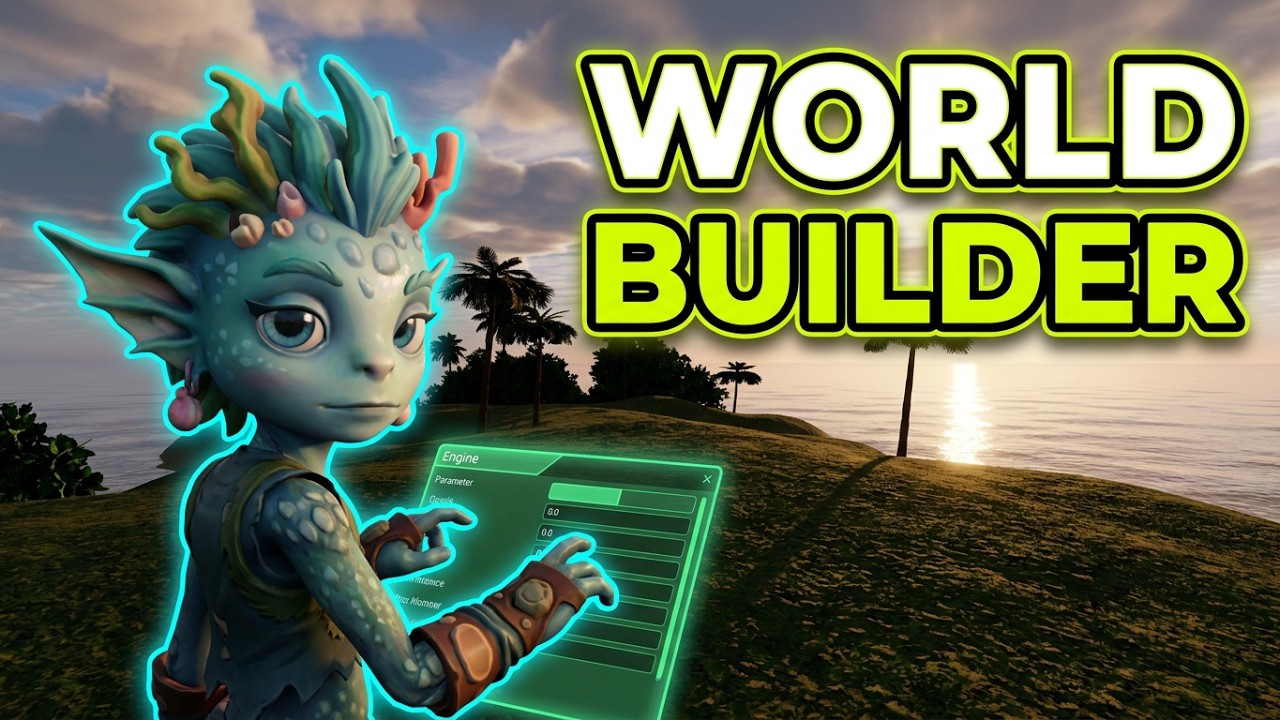
Water in poqpoq is fully editable in sims you create - so i’d encourage you to login, make a world, and then open the Environment: Water tab on the left. You can customize most (I’m working on it) of the settings in the water panel - and see how each of them works.

Happy to go deeper on any of it.

Snow, bubbles and haze - here we go. Next up … bouyancy. :wink:

–Allen

2 Likes

This is great! Having built a water simulation for a heightmap project in Bevy, I was toying with porting it over to Babylon. Keep it up.

Thanks - it’s been a ton of fun. I’m excited to tackle particle effects for underwater experiences soon.

1 Like

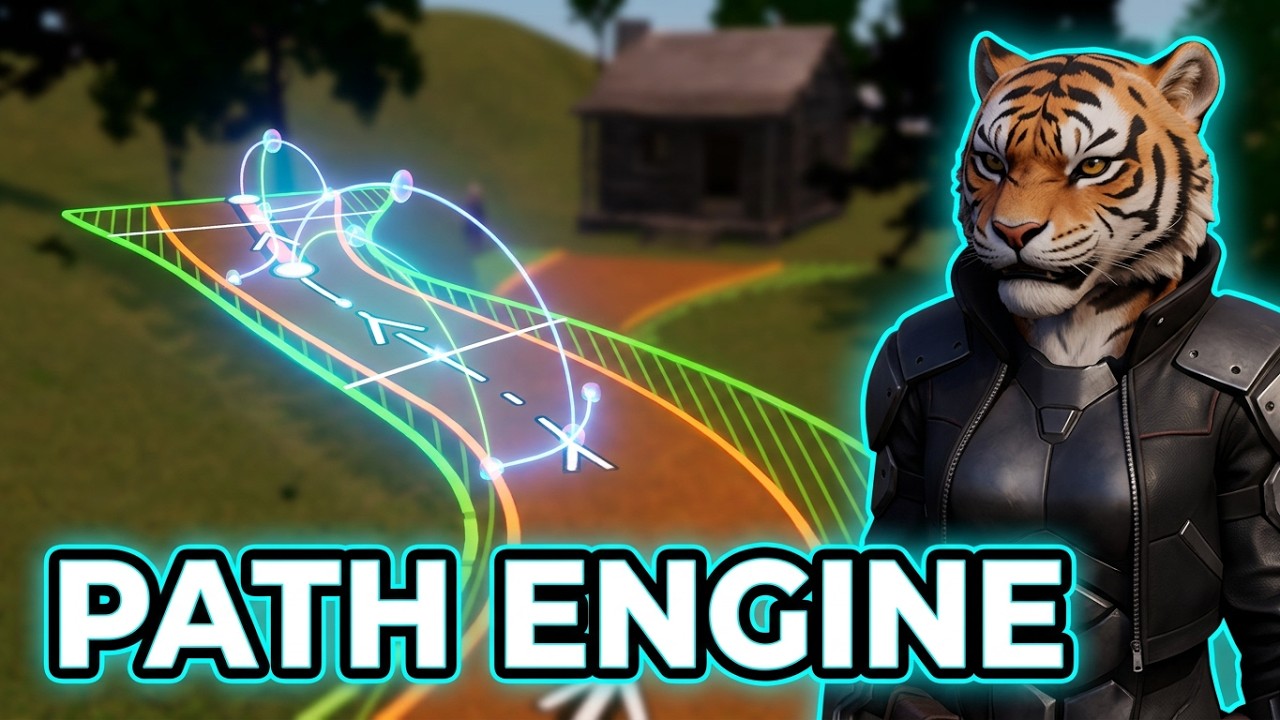
Update: path creation tool is ready for testing. I still haven’t done the water corridor finishes, but the basic ux is in place. Always love feedback. The game is at poqpoq.com. Just create a new world, left panel, do one with a terrain. Then right click, path, pick a path type. Click directly on the terrain to draw your path one point at a time.

1 Like

same! I’m going with the cool vibes ;D

1 Like

Chaos, nonsense and wonder went out on walkies together one night. Something happened, none of them will discuss it and they brought back a pack of very peculiar children.

Thanks for the love. :smiling_face_with_three_hearts: I’m still kind of figuring it out myself - but i’m very excited about the upcoming combat quest sprints.

–Allen

Devlog - video. Expanding foilage engine to grasses and seaweed, Making substantial progress on the river engine. Sprite Sheets in the particle engine. I may have slipped in a first look at ribbon FX for weapons, and i share a little about celestial lighting. Would love to hear your thoughts, ideas, critiques - come see if i fixed the bug you reported last visit.

Google auth login, there’s a handy little fox that encourage alpha test reporting with ease. I read every report. It’s gamified for the cheap thrills.

(https://poqpoq.com/ is built on Babylon JS)

–Allen

2 Likes

While I’m thinking about it…

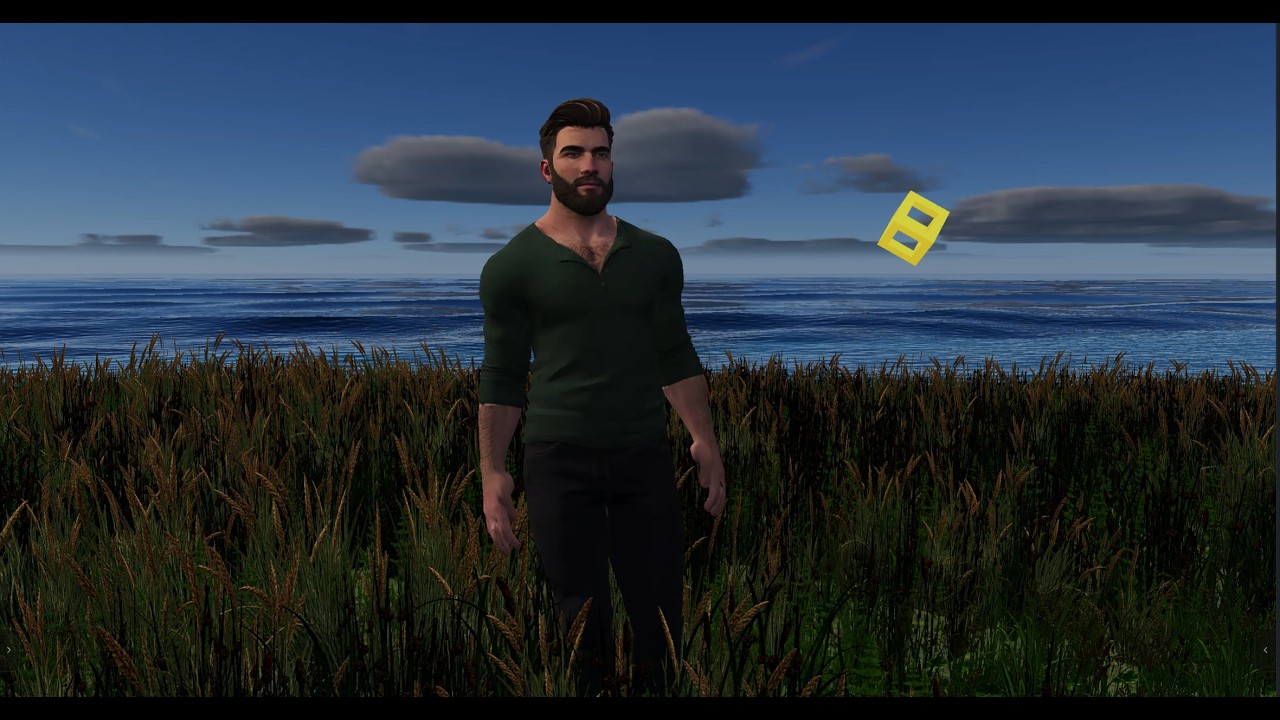
Yesterday’s devlog showed the new ground cover on Savannah One. Three things made the difference between grass that reads as grass and grass that reads as a field of paper cards.

1. Optimization is 90% about the alpha.
Grass cards are mostly empty space. Each card is a rectangle with a few blades painted in, and the GPU pays for every pixel of that rectangle, including the transparent ones it throws away. Stack hundreds of cards behind each other and you pay that cost many times over for the same spot on screen. That’s called overdraw, and it’s the real bill. When we measured, roughly 60% of the pixels the grass shader worked on were transparent corners that got discarded. So most of the work went there: a simpler material, fewer cards as distance grows, and thinning the field wherever the eye won’t notice. On a laptop’s integrated graphics that is the difference between grass you can afford and grass you can’t. The next big step is trimming the cards to the shape of the grass inside them, so the GPU stops shading empty air.

2. Stagger the bottoms of the cards.
If every blade on a card runs straight off the bottom edge of the texture, you get a hard horizontal line wherever the card meets the ground, and the eye finds those lines instantly. Instead, the blade bases sit at different heights inside the card, as if you were looking back through rows of grass in depth. The bottom edge goes soft and the grass seems to come out of the ground instead of standing on it. Darkening the roots toward the soil color helps too: it hides the seam and reads as shadow down among the blades.

3. Shear the cards to fit the slope.
Terrain is almost never flat, and a flat card on a slope has two bad options:

  • Keep it upright, and it cuts into the hill on the uphill side, so the bottom is chopped off at an angle.
  • Tilt it to match the ground, and the grass leans sideways. Plants don’t grow that way, and you notice.

The fix is a shear rather than a rotation. Each bottom corner of the card drops to the ground height under it, and the top moves by the same amount. The card becomes a parallelogram that hugs the slope, and because points only move straight up or down, every blade still points straight up. It’s like squishing putty instead of tipping a board. It’s a small piece of math, and it made the ledges and sideways grass disappear.

Bonus: break the grid.
Every card gets its own random rotation, size, color variation and a slightly different phase in the wind. The eye is very good at spotting repetition, and that randomness is what keeps it from noticing the cards.

Next up: brushes, so sim owners can paint where grass grows.

5 Likes

Looks soooo pretty :slight_smile:

1 Like

ty - i promise some dungeons, dragons, death and zombies in the near future to keep the balance. :wink:

but for the moment - i’m proud to feel pretty. :kiss_mark:

2 Likes