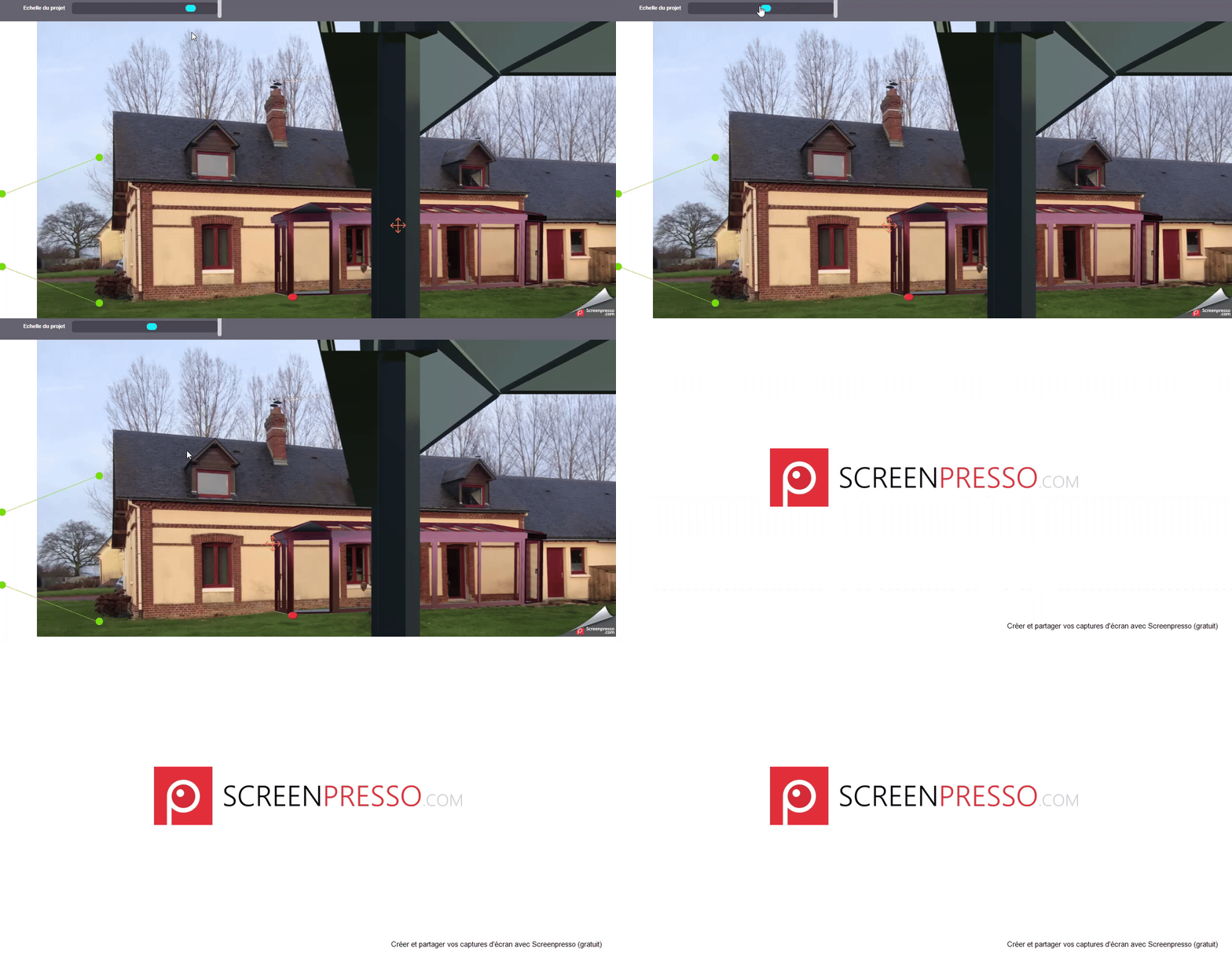
The zoom is working perfectly (item 15 of the camera matrix)
Actual version :
Nothing is working.
Here’s the code in the slider function (num is the float returned by the slider):
updateScale(num) {
        // Récupère la matrice de projection de la caméra active
        var matrixia = scene.activeCamera.getProjectionMatrix();

        // Met à jour l'élément m[15] de la matrice avec le paramètre num
        matrixia._m[15] = num;

        // Applique les modifications à la matrice de projection de la caméra active
        scene.activeCamera.getProjectionMatrix().setRow(0, matrixia.getRow(0));
        scene.activeCamera.getProjectionMatrix().setRow(1, matrixia.getRow(1));
        scene.activeCamera.getProjectionMatrix().setRow(2, matrixia.getRow(2));
        scene.activeCamera.getProjectionMatrix().setRow(3, matrixia.getRow(3));
What happens in the last version :
Matrixia._m[15] = 0 when i’m looking at the console. So the zoom is not working any more. I tried to have a look with a PG but i did not manage to reproduce the bug.
I agree with you but it is sometimes very difficult to reproduce a bug in the playground when your app has several thousands of lines and many links and you do not know exactly where it is wrong.
But I can give you a link (privately of course) on our server and a way to reproduce the bug. I’ve done it recently and it worked.
So @georgie , if you have time to have a look on the problem, tell me and i will send you a link and a way to reproduce the bug.
@bvaisman (r.e private repro link) I now see what you were saying – if you try updating m[15]=X and u check projectionMatrix again, the update is not persisted.
rather than your code updating the matrix value directly, why not move the camera position along the Z axis? you can set activeCamera.position.z directly to simulate zooming? Or you can scale the object itself?
I would recommend against modifying matrix values in your code - curious your thoughts / if others have different opinions!
But unfortunatly, I am not using only the zoom. I change all the parameters of the camera in the same way with other functions to align the 3D object to the 2D picture.
If I have to change something in my code, i’m ready to do it but I absolutely need to update the matrix.
For instance, is it possible to force the update with the markAsUpdated() function or another one ?
Sorry for this change, it was a bug fix for some use cases.
You should be able to fix it on your side by doing yourRTT._objectRenderer.dontSetTransformationMatrix = true;. If this works, I will add a getter for RTT._objectRenderer so that you don’t have to access private properties.