How to run Sandbox locally?

I am trying to add a dropdown of cameras to Sandbox. I do not know how to get running locally. Currently I have the repo cloned and using VSCode to run it. Other HTML tests work with file. But I have not tried TypeScript.

E:\Dev\Babylon\Babylon.js\packages\tools\sandbox\src>dir
 Volume in drive E is X9 Pro
 Volume Serial Number is 2E36-0C36

 Directory of E:\Dev\Babylon\Babylon.js\packages\tools\sandbox\src

03/09/2026  04:16 PM    <DIR>          .
03/09/2026  04:16 PM    <DIR>          ..
03/09/2026  04:09 PM    <DIR>          .vscode
03/09/2026  03:57 PM    <DIR>          components
03/09/2026  03:57 PM                86 custom.d.ts
03/09/2026  03:57 PM             2,868 globalState.ts
03/09/2026  03:57 PM    <DIR>          img
03/09/2026  03:57 PM                28 index.ts
03/09/2026  03:57 PM    <DIR>          legacy
03/09/2026  03:57 PM            28,320 sandbox.tsx
03/09/2026  03:57 PM    <DIR>          scss
03/09/2026  03:57 PM    <DIR>          tools
               4 File(s)         31,302 bytes
               8 Dir(s)  977,354,883,072 bytes free

E:\Dev\Babylon\Babylon.js\packages\tools\sandbox\src>

And my .vscode launch.json is:

{
  "version": "0.2.0",
  "configurations": [
    {
      "type": "msedge",
      "request": "launch",
      "name": "localhost",
      "file": "${workspaceFolder}/sandbox.tsx"
    }
  ]
}

I am starting VSCode here: E:\Dev\Babylon\Babylon.js\packages\tools\sandbox\src

Microsoft Windows [Version 10.0.26200.7922]
(c) Microsoft Corporation. All rights reserved.

E:\Dev\Babylon\Babylon.js\packages\tools\sandbox\src>code .

Press F5 get the following text displayed in a new Microsoft Edge Browser:
File [sandbox.tsx](file:///E:/Dev/Babylon/Babylon.js/packages/tools/sandbox/src/sandbox.tsx)

Along with the TypeScript:

import * as React from "react";
import { createRoot } from "react-dom/client";
import { GlobalState } from "./globalState";
import { RenderingZone } from "./components/renderingZone";
import { ReflectorZone } from "./components/reflectorZone";
import { Footer } from "./components/footer";
import { WelcomeDialog } from "./components/welcomeDialog";
import { LocalStorageHelper } from "./tools/localStorageHelper";
import { EnvironmentTools } from "./tools/environmentTools";
import { Vector3 } from "core/Maths/math.vector";
import { Deferred } from "core/Misc/deferred";
import type { Scene } from "core/scene";
import { CreateScreenshotAsync } from "core/Misc/screenshotTools";
import type { IScreenshotSize } from "core/Misc/interfaces/screenshotSize";
import { Color3, Color4 } from "core/Maths/math";
import { FilesInputStore } from "core/Misc/filesInputStore";

import "./scss/main.scss";
import fullScreenLogo from "./img/logo-fullscreen.svg";
import type { AbstractEngine } from "core/Engines/abstractEngine";
import { ImageProcessingConfiguration } from "core/Materials/imageProcessingConfiguration";

declare const BABYLON: typeof import("core/index");
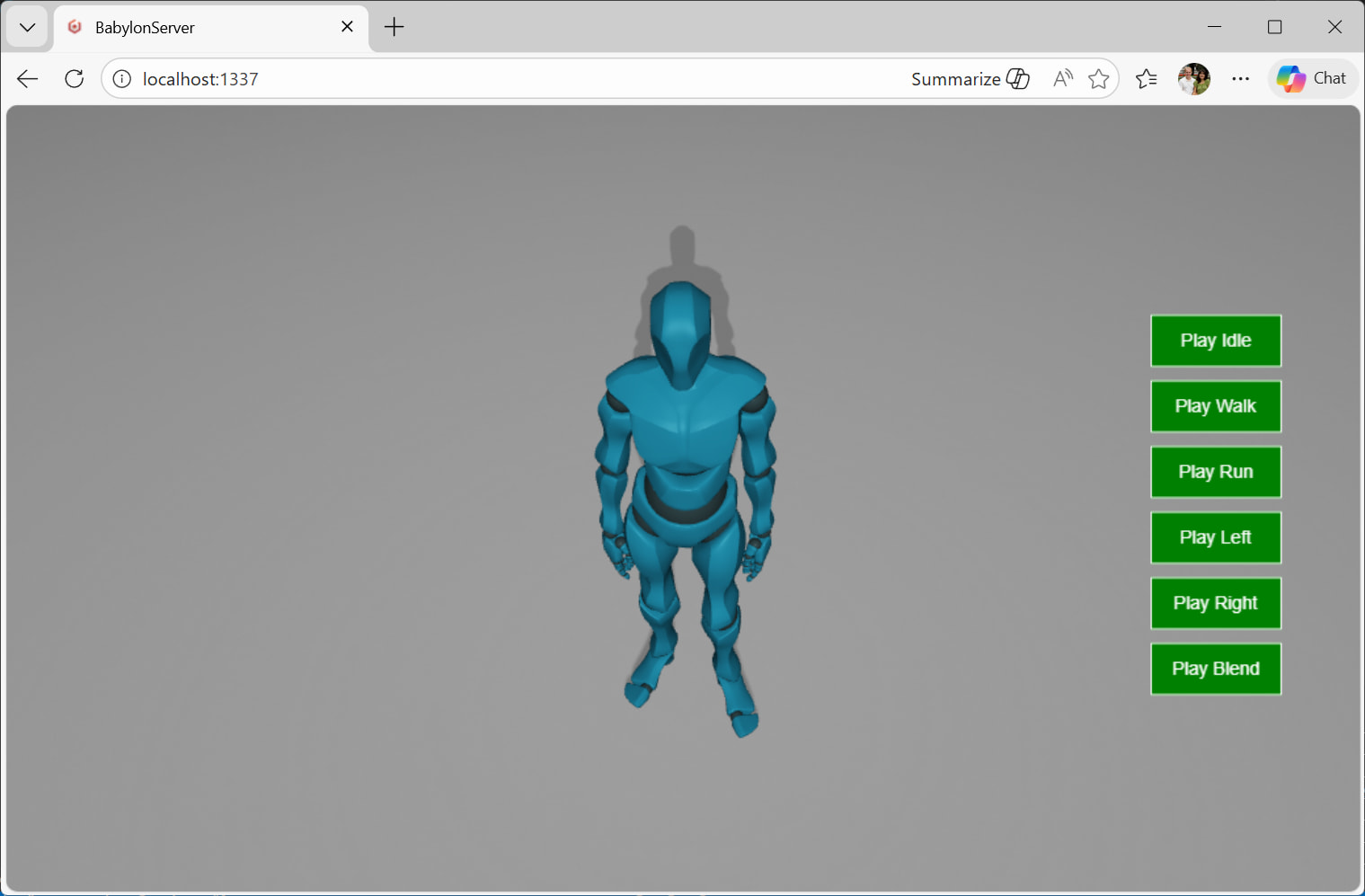
use vscode to debug cloned babylonjs sandbox typescript without node

According to Copilot:

1. Clone the Babylon.js Sandbox

git clone https://github.com/BabylonJS/Sandbox.git
cd Sandbox

2. Install Dependencies

Even though you don’t want Node.js for runtime, you still need it for TypeScript compilation and local dev server.

And errors:

E:\Dev\Babylon\Babylon.js\packages\tools\sandbox>npm install
npm warn EBADENGINE Unsupported engine {
npm warn EBADENGINE   package: '@babylonjs/root@1.0.0',
npm warn EBADENGINE   required: { node: '>=20.11.0 <23.0.0', npm: '>=8.0.0' },
npm warn EBADENGINE   current: { node: 'v24.14.0', npm: '11.9.0' }
npm warn EBADENGINE }
npm warn deprecated inflight@1.0.6: This module is not supported, and leaks memory. Do not use it. Check out lru-cache if you want a good and tested way to coalesce async requests by a key value, which is much more comprehensive and powerful.
npm warn deprecated rimraf@2.4.5: Rimraf versions prior to v4 are no longer supported
npm warn deprecated glob@6.0.4: Glob versions prior to v9 are no longer supported

> @babylonjs/root@1.0.0 prepare
> ts-patch install -s && npm run build:tools && npm i @dev/build-tools -D && npm run build:assets && npm run build:test-tools

'ts-patch' is not recognized as an internal or external command,
operable program or batch file.
npm error code 1
npm error path E:\Dev\Babylon\Babylon.js
npm error command failed
npm error command C:\WINDOWS\system32\cmd.exe /d /s /c ts-patch install -s && npm run build:tools && npm i @dev/build-tools -D && npm run build:assets && npm run build:test-tools
npm error A complete log of this run can be found in: C:\Users\Jerry\AppData\Local\npm-cache\_logs\2026-03-09T22_46_07_404Z-debug-0.log

E:\Dev\Babylon\Babylon.js\packages\tools\sandbox>

3. Build the TypeScript

npm run build

4. Serve the Files Locally

:

5. Configure VS Code Debugging

Create .vscode/launch.json:

{
  "version": "0.2.0",
  "configurations": [
    {
      "name": "Debug Babylon.js Sandbox in Chrome",
      "type": "pwa-chrome",
      "request": "launch",
      "url": "http://localhost:8080",
      "webRoot": "${workspaceFolder}",
      "sourceMaps": true,
      "sourceMapPathOverrides": {
        "webpack:///./*": "${webRoot}/*",
        "webpack:///src/*": "${webRoot}/src/*"
      }
    }
  ]
}

6. Enable Source Maps

In tsconfig.json, make sure:

{
  "compilerOptions": {
    "sourceMap": true
  }
}

And the actual contents in the tsconfig.json file is:

{
    "extends": "../../../tsconfig.json",

    "compilerOptions": {
        "jsx": "react-jsx",
    },
}

I am trying Visual Studio Professional 2026 Insiders with the ASP.NET and web development workload to test the TypeScript 7 native preview in Visual Studio 2026 ( TypeScript 7 native preview in Visual Studio 2026 - Microsoft for Developers ).
Hopefully the IDE can open and launch Babylon.js Sandbox.

Now I just need to figure out how to Select Startup Item for the solution.

None of these would work. you should follow the guide here: Babylon.js docs

1 Like

Thank you. That is a very helpful link. Exactly what I am looking for. I will read it more than once.

@sebavan Thank you again for the help. I am making progress and reading documentation from all directions. I am reading through the documentation. . .but I would expect the warnings and updates to be settled:

E:\Dev\Repos\r2d2Proton\Babylon.js>git remote -v
origin  https://github.com/r2d2Proton/Babylon.js (fetch)
origin  https://github.com/r2d2Proton/Babylon.js (push)

E:\Dev\Repos\r2d2Proton\Babylon.js>git remote add upstream https://github.com/BabylonJS/Babylon.js.git

E:\Dev\Repos\r2d2Proton\Babylon.js>git remote -v
origin  https://github.com/r2d2Proton/Babylon.js (fetch)
origin  https://github.com/r2d2Proton/Babylon.js (push)
upstream        https://github.com/BabylonJS/Babylon.js.git (fetch)
upstream        https://github.com/BabylonJS/Babylon.js.git (push)

E:\Dev\Repos\r2d2Proton\Babylon.js>git pull upstream master
From https://github.com/BabylonJS/Babylon.js
 * branch                  master     -> FETCH_HEAD
 * [new branch]            master     -> upstream/master
Already up to date.

E:\Dev\Repos\r2d2Proton\Babylon.js>code .

E:\Dev\Repos\r2d2Proton\Babylon.js>code .

E:\Dev\Repos\r2d2Proton\Babylon.js>git status
On branch master
Your branch is up to date with 'origin/master'.

nothing to commit, working tree clean

E:\Dev\Repos\r2d2Proton\Babylon.js>npm --version
11.9.0

E:\Dev\Repos\r2d2Proton\Babylon.js>node --version
v24.14.0

E:\Dev\Repos\r2d2Proton\Babylon.js>npm install
npm warn EBADENGINE Unsupported engine {
npm warn EBADENGINE   package: '@babylonjs/root@1.0.0',
npm warn EBADENGINE   required: { node: '>=20.11.0 <23.0.0', npm: '>=8.0.0' },
npm warn EBADENGINE   current: { node: 'v24.14.0', npm: '11.9.0' }
npm warn EBADENGINE }
npm warn deprecated inflight@1.0.6: This module is not supported, and leaks memory. Do not use it. Check out lru-cache if you want a good and tested way to coalesce async requests by a key value, which is much more comprehensive and powerful.
npm warn deprecated rimraf@2.5.4: Rimraf versions prior to v4 are no longer supported
npm warn deprecated rimraf@3.0.2: Rimraf versions prior to v4 are no longer supported
npm warn deprecated glob@7.2.3: Glob versions prior to v9 are no longer supported
npm warn deprecated whatwg-encoding@3.1.1: Use @exodus/bytes instead for a more spec-conformant and faster implementation
npm warn deprecated glob@10.5.0: Old versions of glob are not supported, and contain widely publicized security vulnerabilities, which have been fixed in the current version. Please update. Support for old versions may be purchased (at exorbitant rates) by contacting i@izs.me

cc @RaananW but currently I guess node 22 is the recommended one

yes, we don’t support node 24 yet, i think it has something to do with one of our dependencies. But I will be happy to check. I assume you are updated to latest master?

Yes, I am updated to the latest master - favoring main name change. Updated as far as possible given that commits do come in with regular frequency. Also, I added a Camera dropdown (pull request open) to the Sandbox with different types of cameras. As a starting point in code and train of thought. Created with Copilot. The ability to install Sanbox.Babylonjs.com as Progressive Web App is really cool. Works on Microsoft Edge. Not so well on my Google Pixel 7 Pro (Android phone). And I do, rambling, have another .NET MAUI Babylon.js project for quick tests ( GitHub - r2d2Proton/WebTest: .NET MAUI Babylon Test Framework · GitHub ). And AddPlayerOne ( GitHub - r2d2Proton/AddPlayerOne: Babylon playground with .NET MAUI · GitHub ) that I want to expand with complete .NET MAUI - JavaScript interaction. There are parts that I did not add but will try my best to cover the complete integration between the two. Do not know if TypeScript is impacted at all given that it is transcripted to JavaScript. Trying to get games out (https://www.youtube.com/@jerryrichards9613) and apps. One I wrote with .NET MAUI. Rewrote in Flutter/Dart. 3D content is absolute must.

2 Likes

For bookkeeping purposes, I now understand how Progressive Web Apps are installed using Google Pixel 7 Pro - Android version 16 - using Google Chrome browser version 145.0.7632.159 (com.android.chrome) with Install unknown apps allowed. From sanbox.babylonjs.com - press the 3-vertical dots (…) for the menu, scroll down to “Add to Home screen”. Then an Install app dialog shows for Babylon.js Sandbox with two choices Cancel and Install. Get a notification that the app was installed.

If you have Microsoft Edge installed for Android, you can install a second copy of the Sandbox using the 3-line menu button, scroll down to “Add to phone” and select “Add to home screen”. It has the Microsoft Edge inset in the icon.

Windows install is even quicker. Now I am evaluating my options for app delivery installations. PWA’s has its own limitations but offer simplicity and quick installs.

1 Like

Yeah, PWAs are pretty easy to setup, and it’s particularly nice for the users if the website can work fully offline (like the sandbox).

1 Like