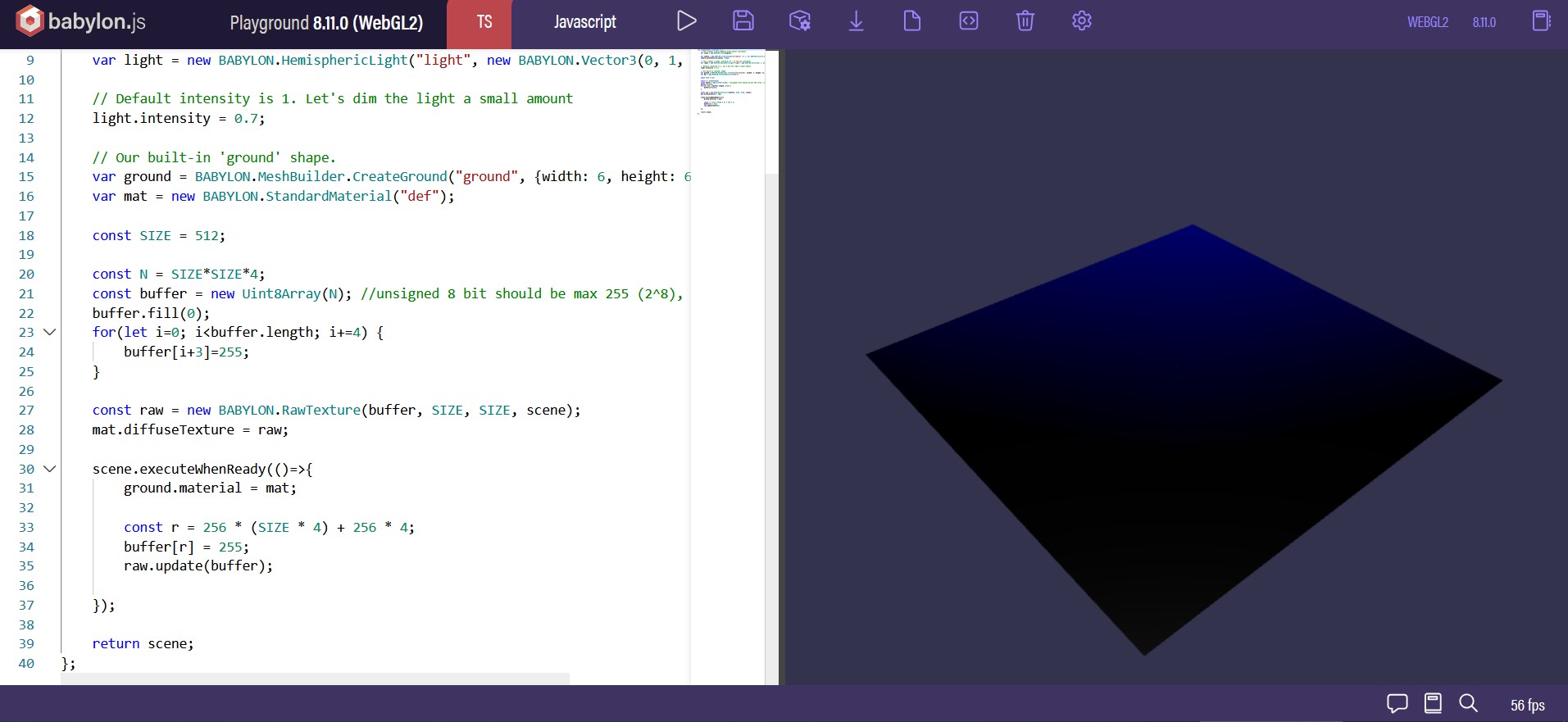
From the PG you posted you filled the buffer with black then set the alpha to 255, then when scene was ready updated a single pixel on the buffer to red which was causing the red dot and what you were seeing is the interpolation.
Not to sure what you are trying to accomplish.
But also I do not see the blue you are seeing either.
I was going to file this as something wrong with my laptop. But this is awfully specific. To reproduce the blue issue:
Open firefox
Go to playground from above
Notice it is not blue
Tab away
Close firefox (keep tab open; but not active)
Open firefox again
Open playground
The blue issue occurs
But to fix it, it seems, you just have to run the playground again.
Ah, good catch! I have just tried with 64x64 texture (https://playground.babylonjs.com/#53XBC3#1) and I cannot reproduce anymore. But the moment I switch back to the 512x512, blue again.
Just a minimal reproduction of what I thought was (or is, idk) a bug.
Aha, we are making progress! What’s your GPU, maybe you are exceeding a buffer limit? Do you have any WebGL warnings? Maybe try to use WebGPU and see if it crashes
No warning Then I wanted to try WebGPU. But it was not available in Firefox (??). I then remember that I have a second Nvidia GPU (sorry ). While I still could not get WebGPU in Firefox, the bug disappeared!
The last thing I tried: with the Nvidia GPU, change texture size to 16Kx16K. No bug.
If you want me to try anything else, let me know. Otherwise I am filing this as related to me Intel GPU.


 Then I wanted to try WebGPU. But it was not available in Firefox (??). I then remember that I have a second Nvidia GPU (sorry
  ). While I still could not get WebGPU in Firefox, the bug disappeared!