Hi everyone 
First, thank you for maintaining such a great community — the documentation and examples have been incredibly helpful!
I’m currently developing a molecular visualization package, and I’d like to support a “split-panel” mode (similar to how VS Code splits its editor).
There are two use cases I want to handle:
- Different camera angles of the same system — e.g., front and side views of the same molecule.
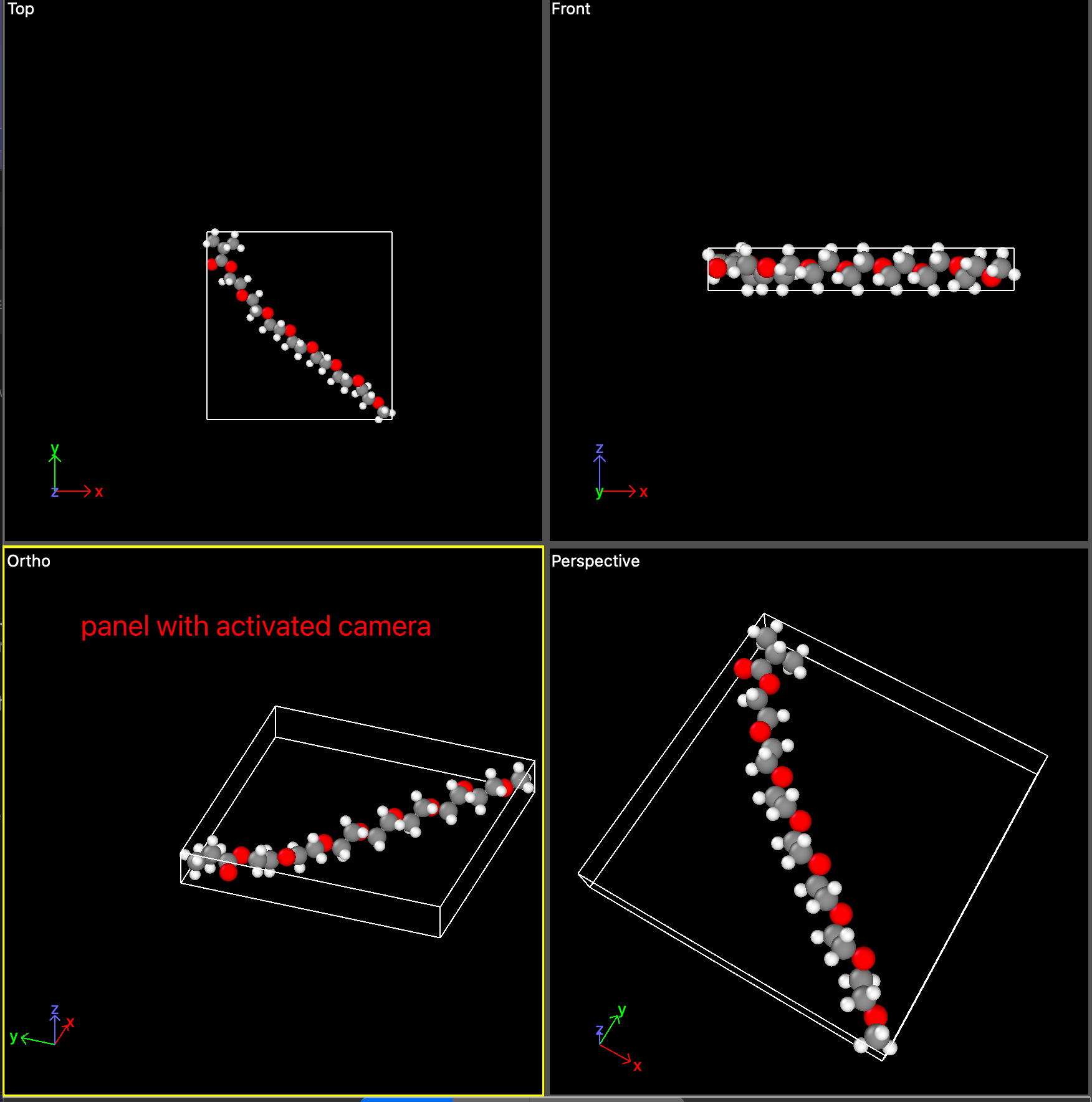
- Completely different systems — each panel renders a separate structure.

I’ve gone through the docs and various discussions about multi-scene, multi-canvas, viewport, and layer mask setups,
but I’m still a bit confused about which combination or technical stack would be the most appropriate.
My main questions are:
-
Should I use multiple scenes or a single scene with multiple viewports?
-
Is it better to use multiple canvases, or can I manage this within one renderer?
-
How can I keep separate camera controls for each panel?
Sorry about such general question, I really confused about conceptions of scene / canvas and view.
Thanks in advance 