Hi All
First time member here.
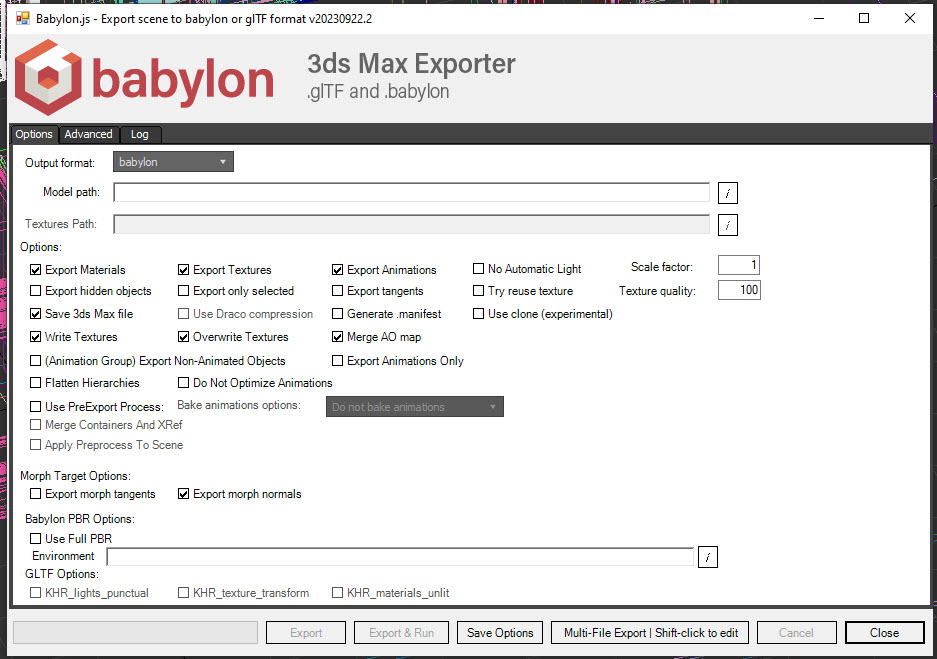
I am using MAX 2019 21.0.0.845. I have no problem installing the GLTF/GLB exporter. I do see it on the toolbar and I have yet to try it out. However when I close MAX, I get an error ‘3DS Max has stopped working’ and I have to push the ‘Close the program’ button.
If I uninstall the exporter and open and close MAX I don’t get the error.
I think I’ve hit a wall. All of my devices are on required to be on Windows 11, and the last device I had that was on Windows 10 (too old to upgrade) I was required to recycle for security. From what I am seeing, I can’t install 2019 on Windows 11. I was hoping that it may still work even though it was older, but I can’t get past the installation, which crashes not long after starting. I have some personal devices that are still on Windows 10, but the installer I have access to is through the company, so I can’t use that to install on a personal device without turning it into a managed device, at which point it is out of alignment with security for being on Windows 10.
Log Name: Application
Source: .NET Runtime
Date: 10/20/2023 8:26:40 AM
Event ID: 1026
Task Category: None
Level: Error
Keywords: Classic
User: N/A
Computer: i760.AareasNet.com
Description:
Application: 3dsmax.exe
Framework Version: v4.0.30319
Description: The process was terminated due to an unhandled exception.
Exception Info: System.NullReferenceException
at Autodesk.Max.Manager.OnChanged_(System.Object, System.IO.FileSystemEventArgs)
at Autodesk.Max.Manager.OnChanged(System.Object, System.IO.FileSystemEventArgs)
at System.IO.FileSystemWatcher.OnChanged(System.IO.FileSystemEventArgs)
at System.IO.FileSystemWatcher.CompletionStatusChanged(UInt32, UInt32, System.Threading.NativeOverlapped*)
at System.Threading._IOCompletionCallback.PerformIOCompletionCallback(UInt32, UInt32, System.Threading.NativeOverlapped*)
Application: 3dsmax.exe
Framework Version: v4.0.30319
Description: The process was terminated due to an unhandled exception.
Exception Info: System.NullReferenceException
at Autodesk.Max.Manager.OnChanged_(System.Object, System.IO.FileSystemEventArgs)
at Autodesk.Max.Manager.OnChanged(System.Object, System.IO.FileSystemEventArgs)
at System.IO.FileSystemWatcher.OnChanged(System.IO.FileSystemEventArgs)
at System.IO.FileSystemWatcher.CompletionStatusChanged(UInt32, UInt32, System.Threading.NativeOverlapped*)
at System.Threading._IOCompletionCallback.PerformIOCompletionCallback(UInt32, UInt32, System.Threading.NativeOverlapped*)
@srzerbetto, it looks like there’s an unhandled null reference exception being thrown on exit. I don’t know if this is enough to go on if we can’t get 2019 installed, but do these give you any idea of where to look?
That would be very difficult to investigate without been able to repro it… Those logs only show general 3dsmax code and there is nothing we can use to link to our code.
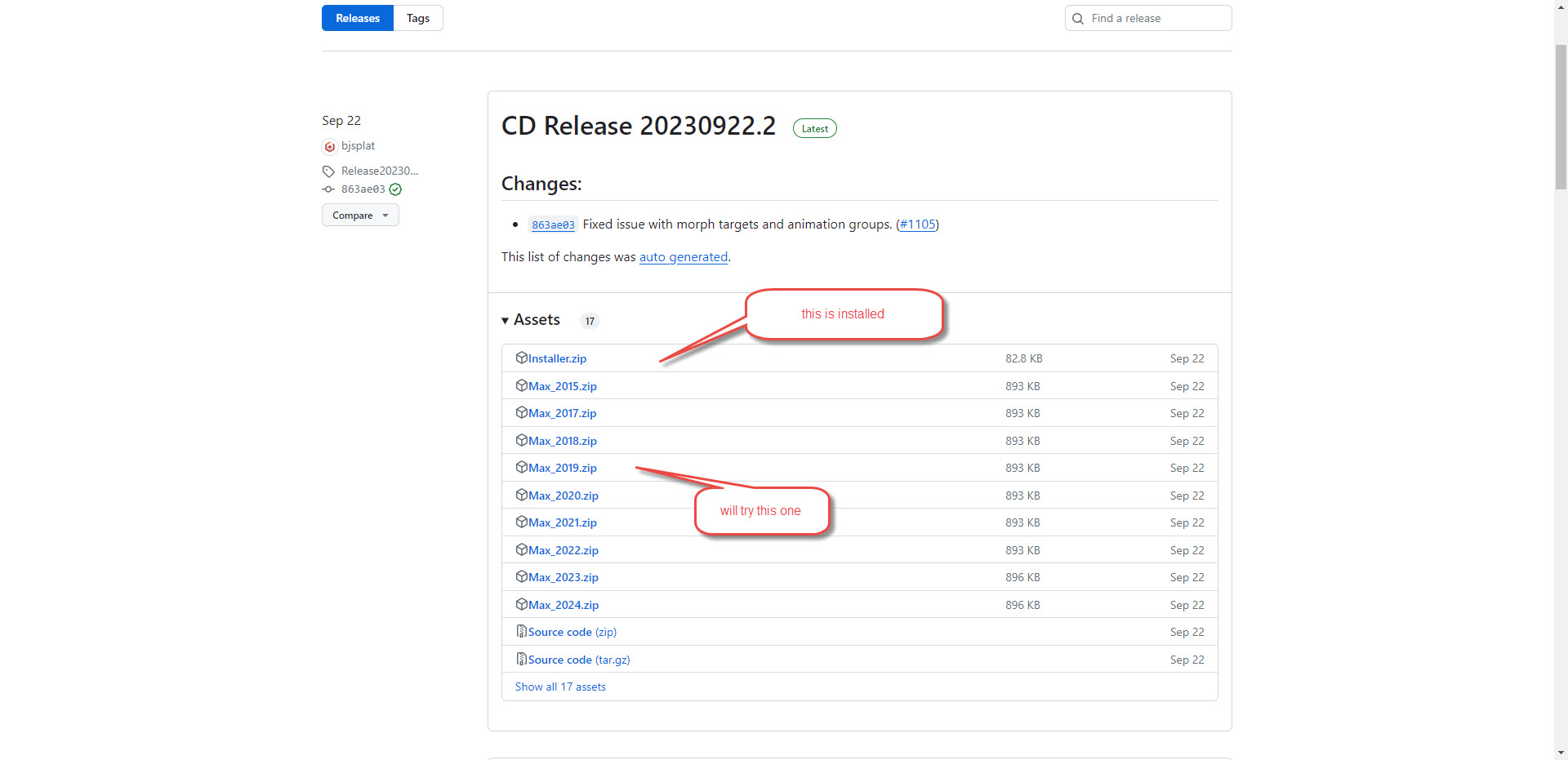
@srzerbetto, I was afraid that it wouldn’t be enough but was hoping that it might point in a general direction. @kenc, the only thing I can think of to diagnose would be to see if you have the same issue with an older version of the exporter. If you can try installing an older build of the exporter to see if it repros, we may at least be able to narrow down with the diffs on the builds. I don’t think you need to test every version, but maybe pull one closer to the release of Max 2019 and try that. If it doesn’t repro, then split the difference and try again. This is how I would approach it if I could get it installed. If we can determine when it broke, we could diff the versions and that may give us a place to start.