This is wall and ceiling clipping for my game when players walk inside a building
What I do is find all connected segments when detecting inside a building, identify the blocks that are walkable, and use certain blocks as markers to indicate walls. The video you see is the result.
My game MudGate has received numerous updates in the last few months, and now the latest one is something I’d like to share as I think it improves the visuals of my game.
I’ve developed a technique for dynamic environmental texturing on the MudGate landscape, and I can implement it runtime by simply clicking it into place
Here, I’ve added one large texture to the landscape
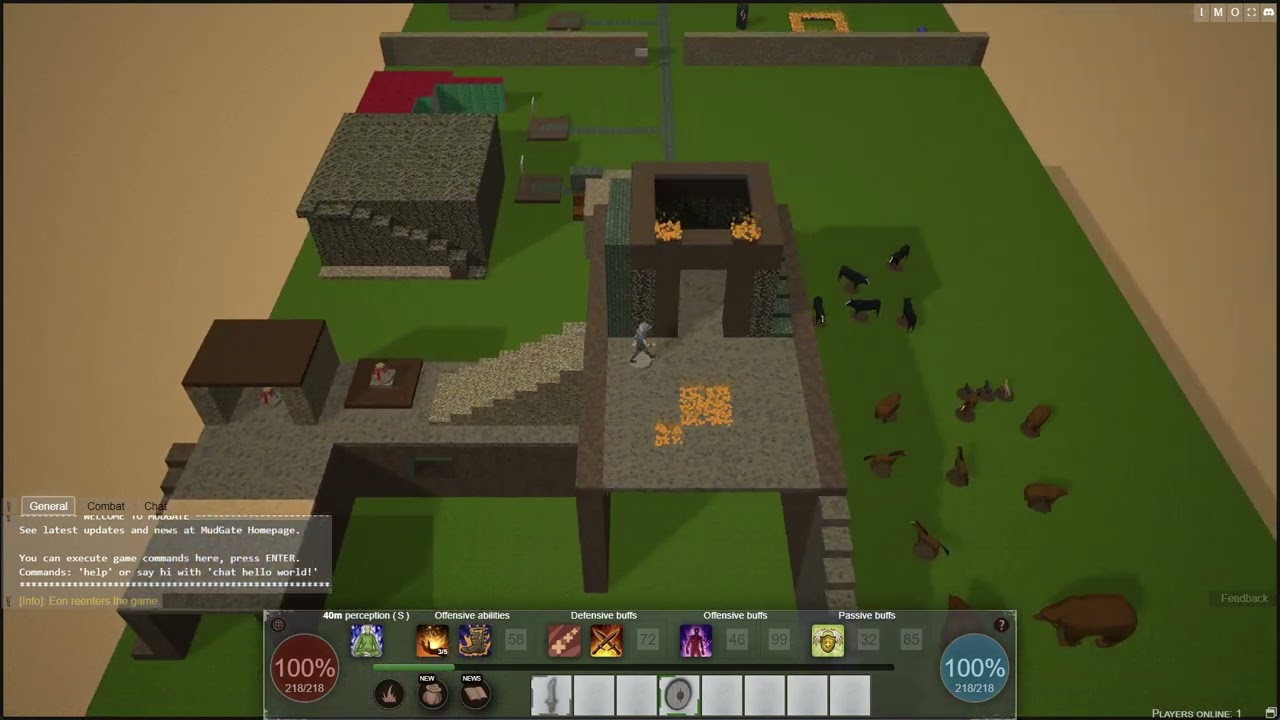
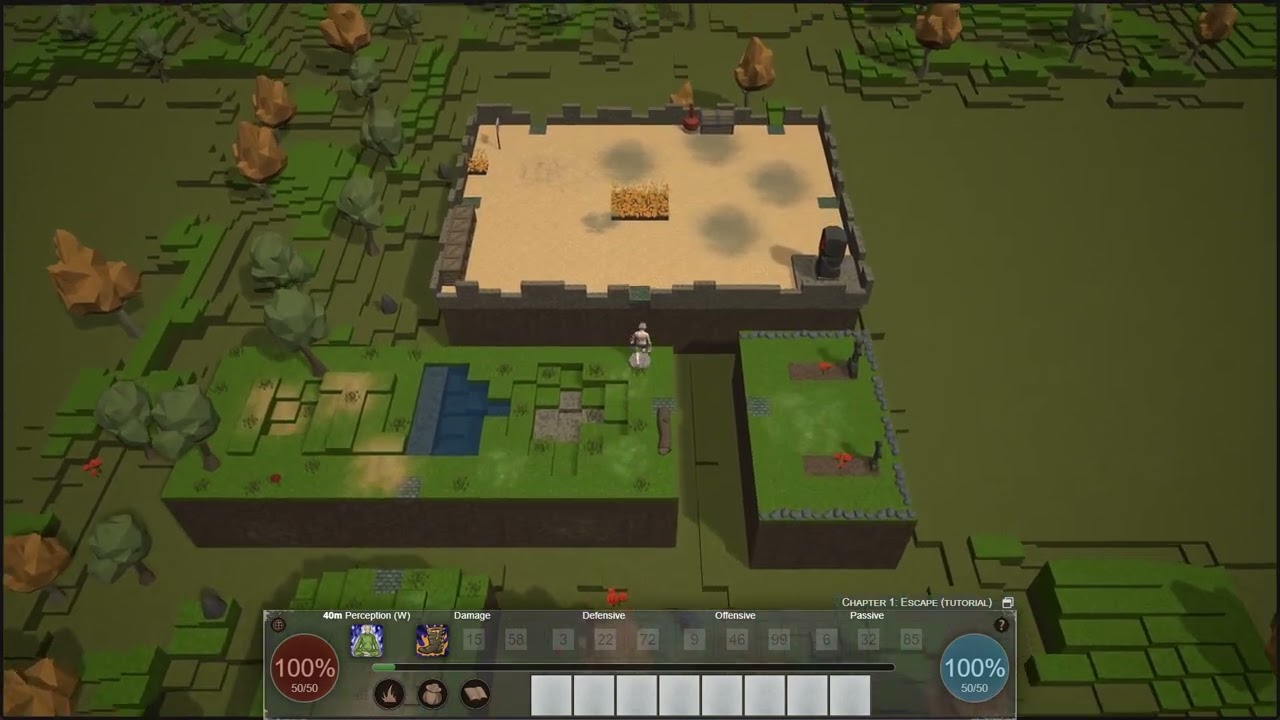
My game’s latest feature, ‘The Segmented Realm,’ draws inspiration from classic MUDs (Multi-User Dungeons). As you navigate from room to room, watch the realm dynamically unfold with each step.
This feature is designed for easy expansion, and the surrounding terrain dynamically adapts to the addition or removal of rooms.
As my game nears its final stages, I’ve solidified its mechanics, story, building tools, and rules. I’m now dedicating time to polish the worlds and storyline before launch at Steam. (MudGate on Steam)
As of today, I have a standalone build wrapped in a Windows application, with all resources encapsulated in a data file (PAK).
The application incorporates WebView2 and utilizes the Kestrel web server. This approach simplifies the process, resulting in an EXE file accompanied by the resource file.
Cool. Thanks for that! I’ve had no experience developing Windows applications but I can’t imagine a wrapper is too difficult. I’ll look into this option when I’m ready.
Looking forward to playing your game on Steam! On my wishlist!
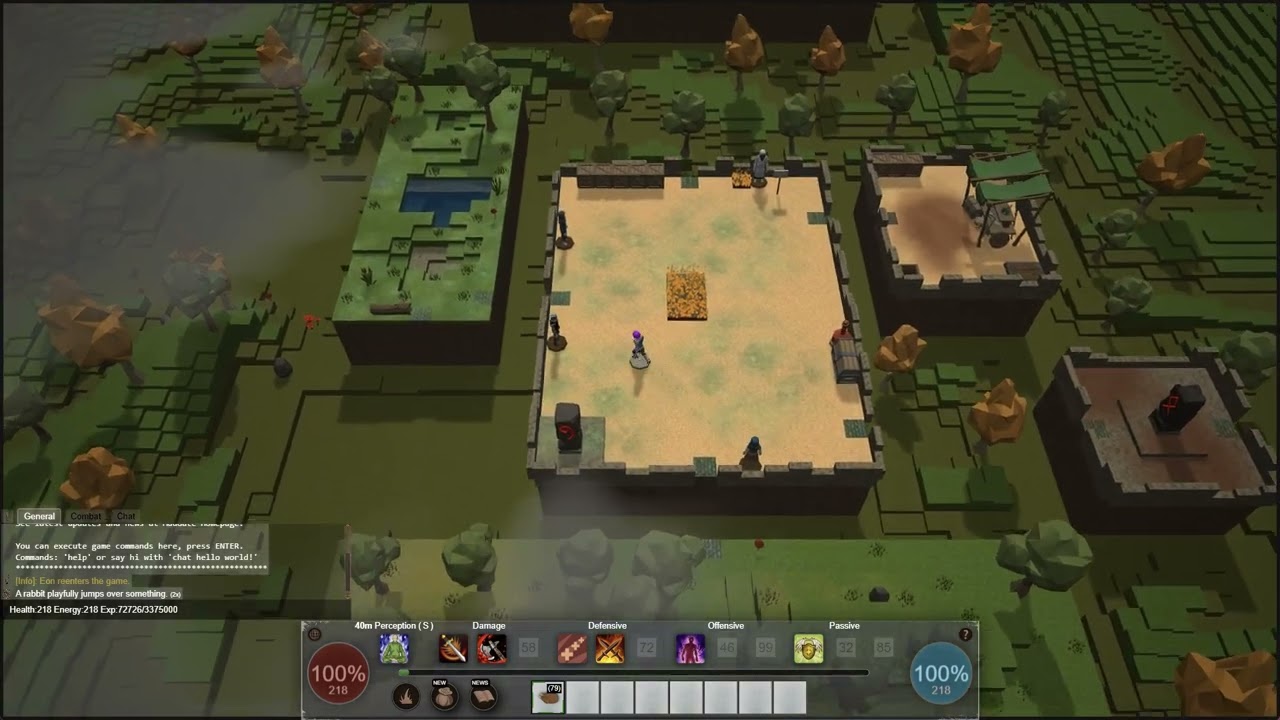
I’ve stitched together a series of clouds that appear when players zoom out, floating silently above the landscape. I can also control their appearance to indicate whether they are light or dark, representing light or heavy clouds.
It was an absolute pleasure catching up on this thread, seeing where this project started, and what this project has become! Congrats to you and I hope your game thrives!
I’ve updated my procedural clouds and used playground to generate 25 variants for my game:
These clouds are of the ‘lightGray’ type with an emissiveColor, and I use a different renderingGroupId to avoid affecting other transparent game objects. Additionally, I’ve set disableLighting = true so that light sources don’t affect the clouds. I hope this can inspire others…and default clouds are now whiter as @Deltakosh suggested
Question for you: Currently how many draw calls are in the game at any given moment during the core loop? Or maybe there’s a metric for average draw calls per second?
I haven’t checked that recently, but I focus on optimizing the scene by freezing meshes and materials, and only updating shadows when necessary. I also offload compute tasks to separate workers to minimize performance hiccups.


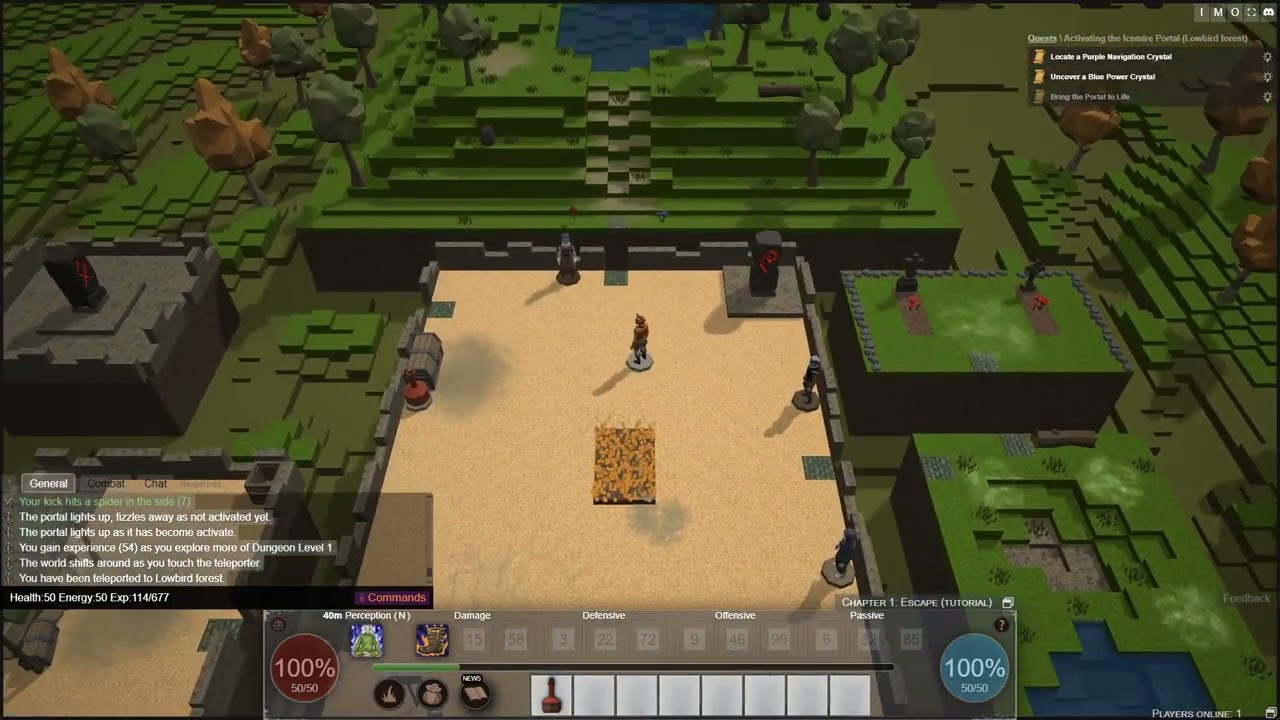


 using abilities like ‘Kick’ can speed things up and save you some axe swings!