You need to have Microsoft Visual Studio installed on your computer.
If not, install MSVS2019, the community version is free: Download Visual Studio 2019 for Windows & Mac
Download the Basis project as a zip file from Github (GitHub - BinomialLLC/basis_universal: Basis Universal GPU Texture Codec).
Uncompress on local computer and double-click on basisu.sln, which will open the solution in MSVS.
Compile the project (F7 or menu Build => Build solution). The .exe file is in the bin/ folder.
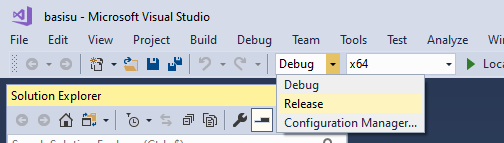
=> You may want to switch to the Release configuration before compiling:
If however you are like me and have MSVS2017 installed and not MSVS2019, you need to change the Platform Toolset before being able to compile:
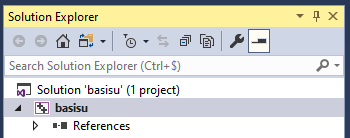
- right click on the project
basisuin theSolution explorerpane:
- change the Platform Toolset to `Visual Studio 2017 (v141):
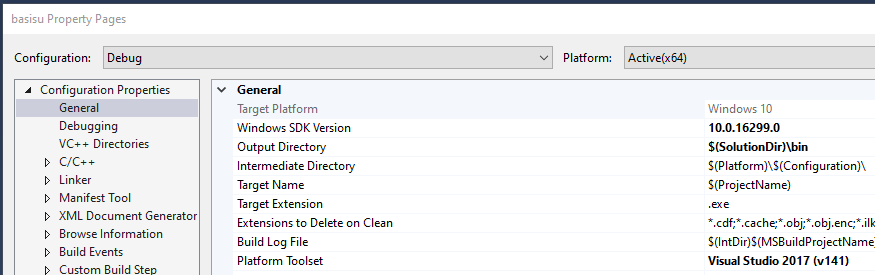
(do this also for the Release configuration!).
Compile