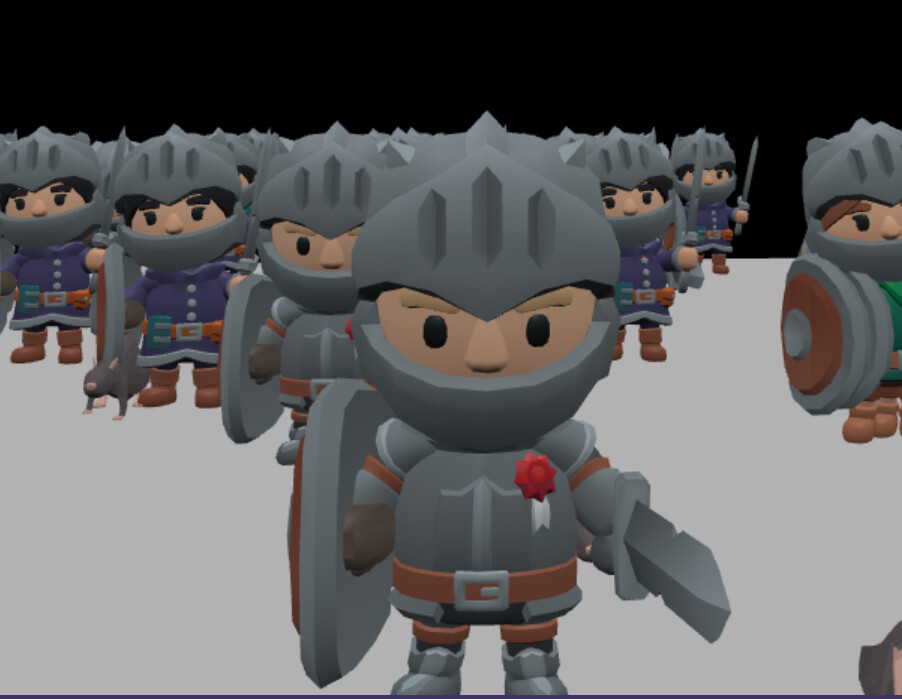
When I inspect the male_knight.glb used in the VAT playground inside Blender, I notice that the model appears left–right flipped compared to how it looks in Babylon.js.
I understand that this is related to coordinate system differences, and I know that using scene.useRightHandedSystem = true fixes the orientation issue. However, I would like to avoid enabling useRightHandedSystem.
I was able to fix the texture orientation by flipping the UVs in the shader using 1.0 - uv.v, but I cannot find a proper way to correct the left–right (X-axis) flip of the geometry.
Is there a way to make the model appear with the same orientation as in Blender without enabling scene.useRightHandedSystem?
When scaling with a negative value (for example, mirroring on the X axis), the VAT matrices break and the animation is forced into a T-pose.
If I mirror the mesh on the global X axis in Blender before exporting, and then redo the rigging, the model orientation matches Blender correctly. However, the animation is still mirrored in the opposite direction.
It works!
I scaled all merged meshes by -1 along the x-axis and reset the position, scale, rotation, and rotationQuaternion of the attached objects. It worked!