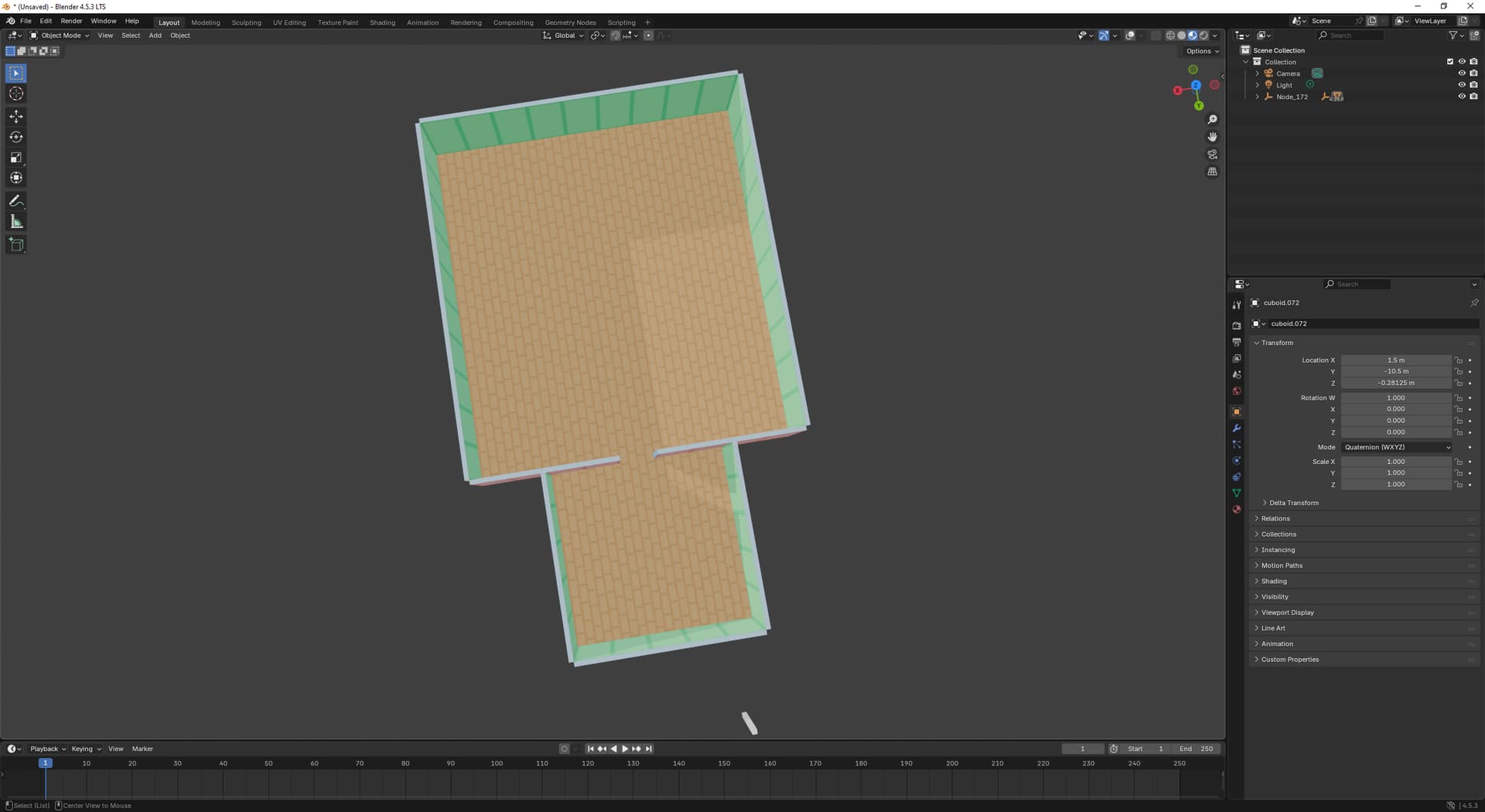
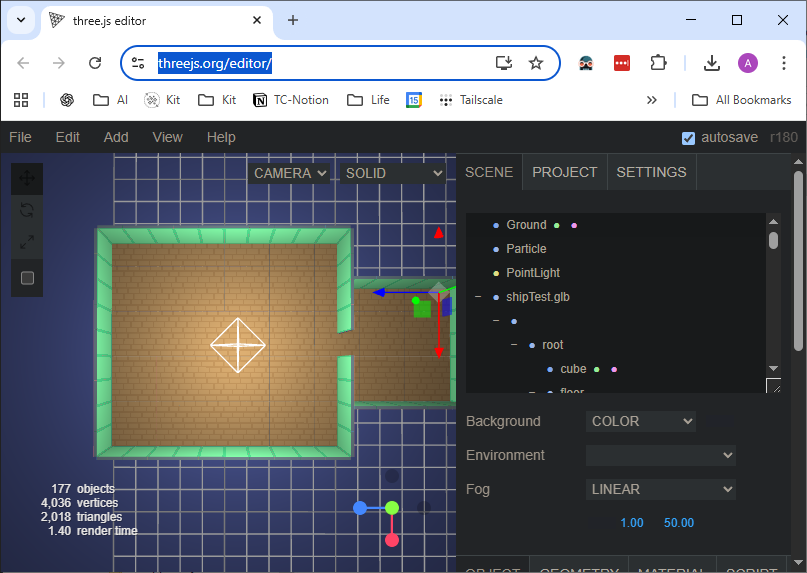
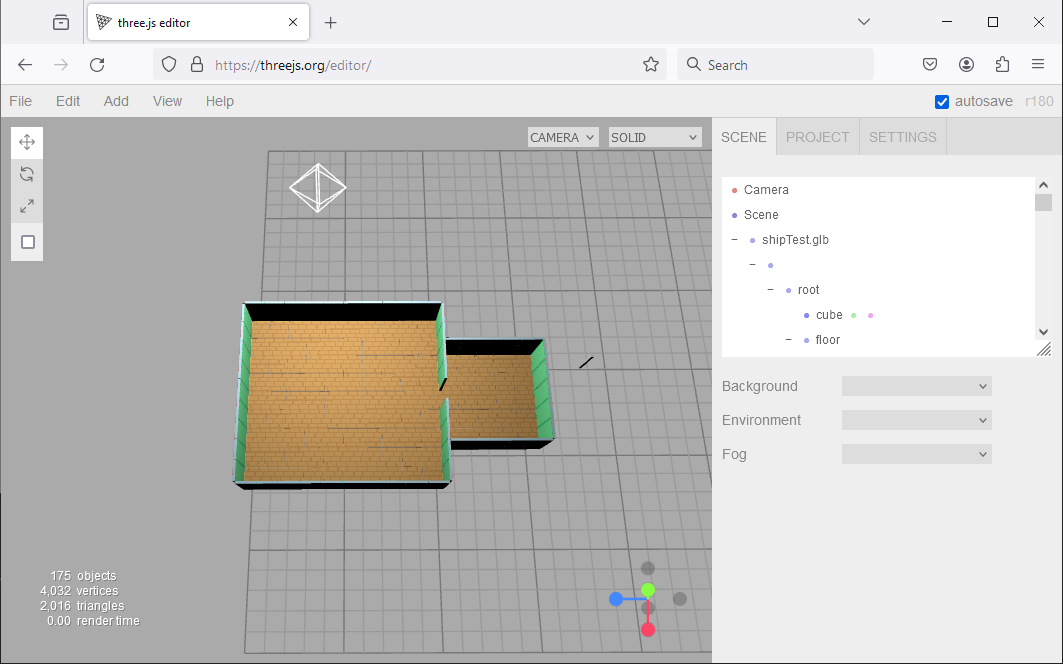
Should I expect rendering artifacts / lines when I’m rendering meshes that are supposed to be tiled together? I know TileMaps etc are a thing, I was hoping to avoid that complexity for now and just be able to tile together meshes with seamless textures
In your case, it seems to be a texturing/UV issue. Your floor/brick tile occupies only a small proportion of the overall texture and your UVs are precise, so the edges are showing a little bit of the adjacent transparent pixels. Ideally you should allow some padding of the texture - inset your UVs a little bit.
Using instanced geometry or (as you say) texture/UV tiling would be more optimal.
For anyone else, root-ish cause I was trying out a tool I haven’t used before called BlockBench which offers padding when creating textures but this option isn’t checked by default