The demonstration case in this link is using the Unity3d plugin Export To Babylon.js, the plugin exports the scene in Unity3d to Babylon.js, the plugin link address is
Unity is the ultimate game development platform. Use Unity to build high-quality 3D and 2D games, deploy them across mobile, desktop, VR/AR, consoles or the Web, and connect with loyal and enthusiastic players and customers.
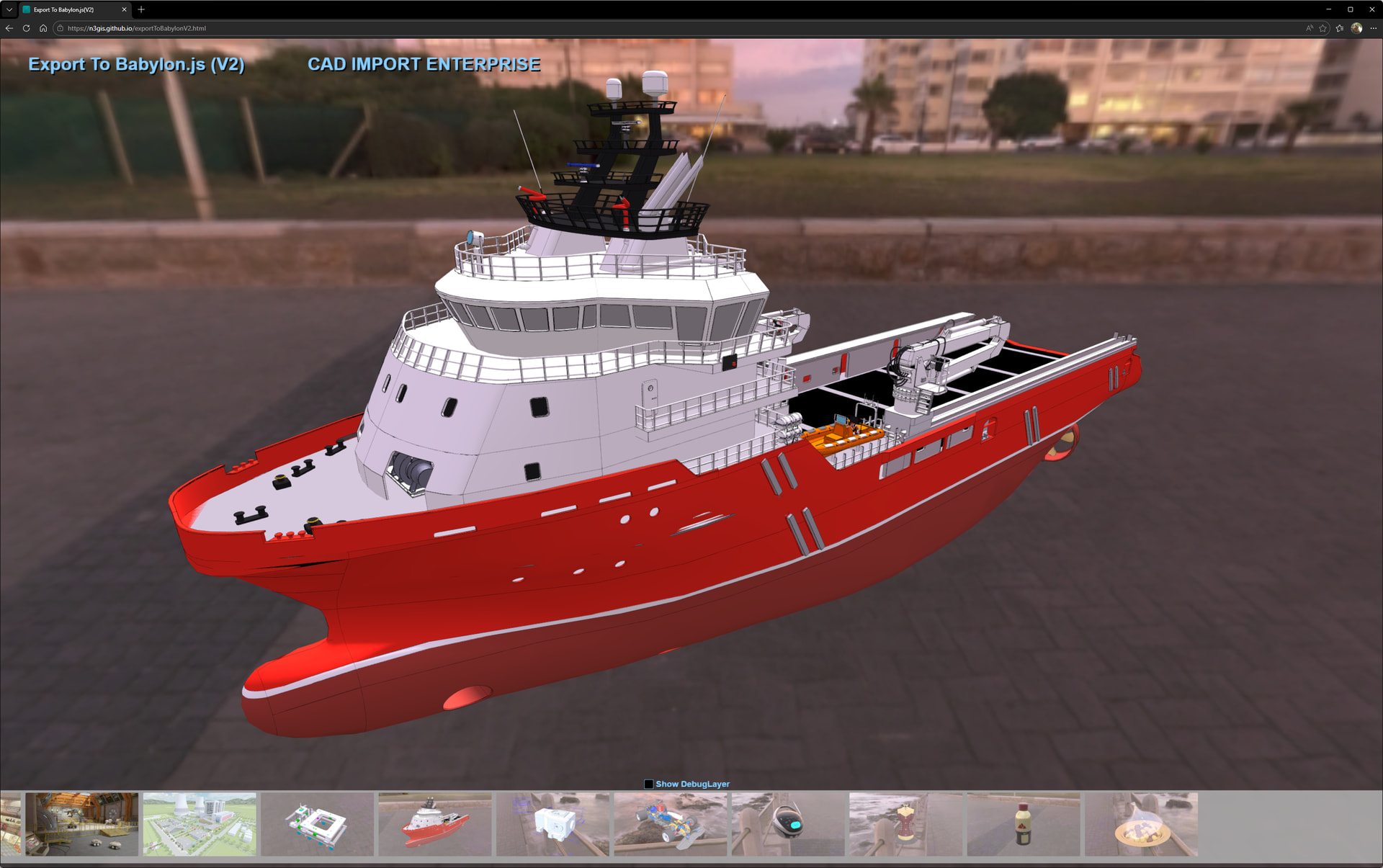
The Export To Babylon.js has now released version 2, which now supports PBR material export, texture maps with ktx2 encoding, and can also export CAD data in combination with the CAD IMPORT ENTERPRISE plugin.Export To Babylon.js(V2) Export To Babylon.js(2.0) | Utilities Tools | Unity Asset Store
15 Likes
Woot! quite impressive
cc @MackeyK24 / @PirateJC
1 Like
Welcome to the Babylon community
Now I wonder if i should have charged for my Pro features
6 Likes
@LucasEvan welcome to the Babylon Family! This is awesome! Gorgeous stuff!
As a pirate, this one is my fave:
Only thing we’re missing is treasure! LOL
Any objection to me adding this to the community web page?
1 Like
It is a great honor to add to community web page, and we will add another case, for example, babylon.js with Mapbox and babylon.js with secium.js.
1 Like
This is awesome! Great job @LucasEvan !
Sweet!
Just added it.
It will be live on our community page in a few minutes:
Babylon.js is one of the world's leading WebGL-based graphics engines. From a new visual scene inspector, best-in-class physically-based rendering, countless performance optimizations, and much more, Babylon.js brings powerful, beautiful, simple, and...
1 Like
The Export To Babylon .js plugin now supports babylon.js version 5.0.0.
4 Likes


 This is some of the most beautiful work I’ve seen on here. I’d love to see more!