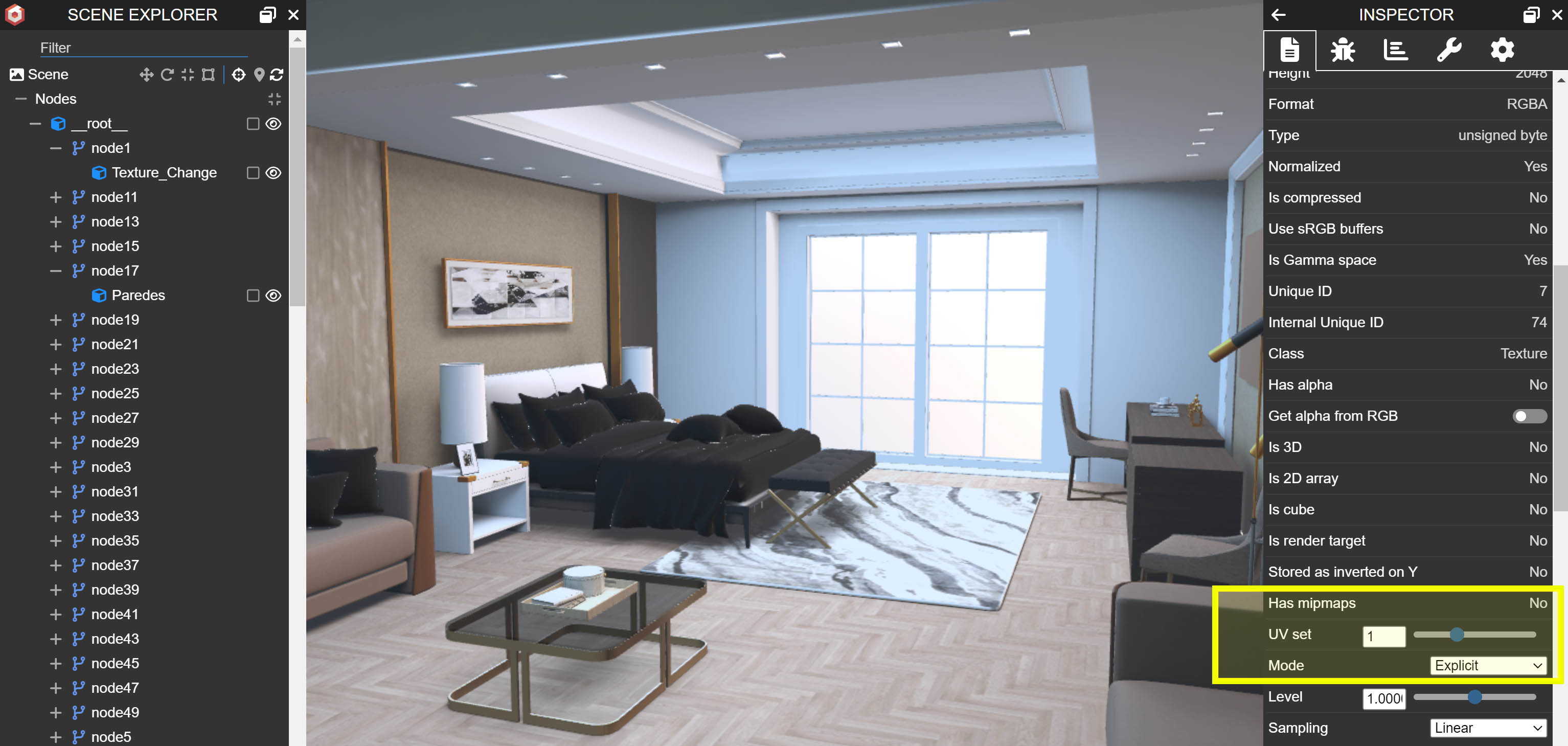
I have two UV maps. One is a UV map for my Albedo texture and is a seamless texture, and the other texture is a light map texture (Bake). In this case i want to change the texture (Albedo) and maintain the lightmap.
@Ivandro_de_Barros_Ri, welcome to the Babylon.js forum! I’m happy to help you with your question, but I need a little more context to be able to point you in the right direction. The two UV set workflow is a great one when using tiling textures and makes sense for what you are trying to do. I just need a little more context when you say you want to change the albedo texture. Do you mean you want to change it before export or at runtime?
If you want to change it before export, you should be able to just wire up the new texture and export. This is super straight forward, so my guess is that you are trying to change the albedo texture at runtime. If this is the case, are you having problem with getting the texture assigned to the right UV set, or are you having problems with changing the texture in the loaded material?
If you are having trouble assigning your texture to the right UV set, you will just need to set the texture coordinates index to the UV set you want to use on the new texture. This is assigned at the texture level, so if you need to assign textures to UV sets other than the default set 0, you will just need to assign this parameter value on your textures.
However, if you are having trouble with assigning your new texture to your loaded material, I will have to guess that you are not changing the material on the glTF you loaded from your Max export. If that’s the case, the loaded material is a PBRMaterial on your glTF. In this case, you just need to find your material using mesh.material of your target mesh, and then changing the albedoTexture property to your new texture.
If I’m completely off on the context of what you are trying to do, please ping back with clarification, and I will be happy to point you in the right direction.
I will better contextualize what you want. I have an object and I want the main texture (Albedo) to be a “tiling texture” and also want the Lightmap texture to be unwarped.
As I export from 3dsMax, I use the PBR metal or gltf shader, none of these shaders have the lightmap field, so I can’t do exactly what I want. to export directly from max. But in Babylon we have the lightmap field.
So, in the Mesh i create two different UV sets. one with the tiled texture and I leave it in UV set 1, and the 2nd with the unwarped and I leave it in UV set 2.
In the shader I put two textures each with a different UV set 1 and 2, to be able to take this property into the textures as well. (Albedo UV set 1, any other slot AO, Rug, Metal, etc… UV set 2)
In Babylon, the textures do not point to these intended UV sets and I have to change each texture, but when changing in Babylon from UV set 0 to UV set 1, it is as if the UV set created in Max was somehow lost.
I wanto to be able to change only the texture Albedo UV set 1, and maintain the light map in UV set 2…
Thanks in advance!
@Ivandro_de_Barros_Ri, I think this is just a problem of naming between Max and Babylon. Max uses the UV set 1 as the first UV set. So it goes [1, 2, 3, …] for names of UV sets in Max. In Babylon, we start from UV set 0 as the first UV set as this is the standard way of enumerating arrays in Javascript, so our naming for UV sets are [0, 1, 2, …]. This means that UV set 1 in Max will equate to UV set 0 in Babylon. UV set 2 in Max will be UV set 1 in Babylon. This is just a simple conversion of subtract 1 from any UV set in Max to get the corresponding UV set in Babylon. I hope this helps, but if not, let me know and I can work up a small example.
Not really, the idea is that the image behavior should respect the anticipated UV set (if it’s on the UVset 1 channel, it should respect the mesh layout that I did for this channel, but it simply turns black).
I believe that the problem might be in the GLB exporter from Max, (which, for example, does not export with animation). I will test with Blender to see if the result changes, and then I will update for anyone who might have the same problem.
Thanks. i found the solution or solve the problem, it is on the max GLB exporter ( deletes the second UVW ). But exporting from Blender the model works fine.
@Ivandro_de_Barros_Ri, if one of your UV sets is being deleted on export, it likely means you don’t have every UV in your mesh assigned to each UV set. Only mapping some UVs to a UV set will create an invalid UV set in the export and it will be ignored. If you want some sections of your mesh not a part of a UV set, either split those parts into a second mesh or place all vertices that you don’t want mapped into a different part of UV space that you can control. We did a blog post on a product customizer where we needed to map a texture to only a section of our mesh on a second UV set and this article talks about how we achieved that.
However, if you are exporting a light map in the second UV set, you likely want all parts of your mesh atlased into your lightmap UV set. What this tells me is that maybe there is a small part of your mesh that was missed in the UVing of your lightmap set. It may be worth digging into the mesh and ensuring that all vertices have a UV coordinate.
What happens with Blender in this case is that Blender assigns a UV value to any vertex that does not have one so that there is not an incomplete set. I forget what value specifically they assign, but it may be something like (0,0) or (1, 1) to stick them in the corner of UV space. This happens behind the scene on export only, so it does not fix the mesh, only ensures that all vertices exported have a UV value assigned. Depending on what is in your texture, those assignments in Blender can potentially cause some rendering errors. However, if you are using a texture as a lightmap, if the vertices are mapped to a pixel that is black by chance, you won’t see any errors as that will not affect the render.
Hope this helps but feel free to ping back if you have more questions.
@PatrickRyan
Hello. I’m experiencing a similar problem. I didn’t feel the need to create a new thread since I found this topic here. I’m using 3ds Max Babylon JS. I have a chair model with two different UV sets. My second UV set matches the AO map I’m baking in the sub-base, and the first is an Atlas Tiling set I use to improve texture quality. I’m creating the material using GLTF material. I set the base color, metallic, roughness, and normal map channels as the second UV set (Atlas Tiling), and the AO map as the first UV set (matching).
The problem I’m encountering is this: When I export as GLB, the UV sets of the textures in the Metallic and Roughness channels appear to be removed. The textures in the other map channels export without any problems. When I export a Roughness texture for testing purposes, linking it to the Base color channel, it correctly uses the UV set. However, when I export the same texture again, linking it to the Roughness channel, the UV set is removed. Also, when I remove the texture with the second UV set from the material, everything exports correctly, but when I add only the AO map (the texture with the second UV set) to the material, the roughness and metallic maps are exported corrupted. I’m sure I’m doing everything correctly, but I wanted to write about it even though the topic is old, assuming I might have missed something or done something wrong.
I made a short video to better explain the problem I’m encountering. In my first export, everything is normal. (There are no textures using the second UV set.) In my second export, I add the AO map, which I set as UV channel 2, to the material, and strangely, the Roughness is corrupted.
Is this an exporter bug? Why does it export the other map channels correctly but export the metallic and roughness maps incorrectly? Can you help?
@Erhan_Dirilik, do you have a file that repros this issue that you can share for me to test with? I have not seen this exact issue before so I will need to dig into what’s happening. Thanks.