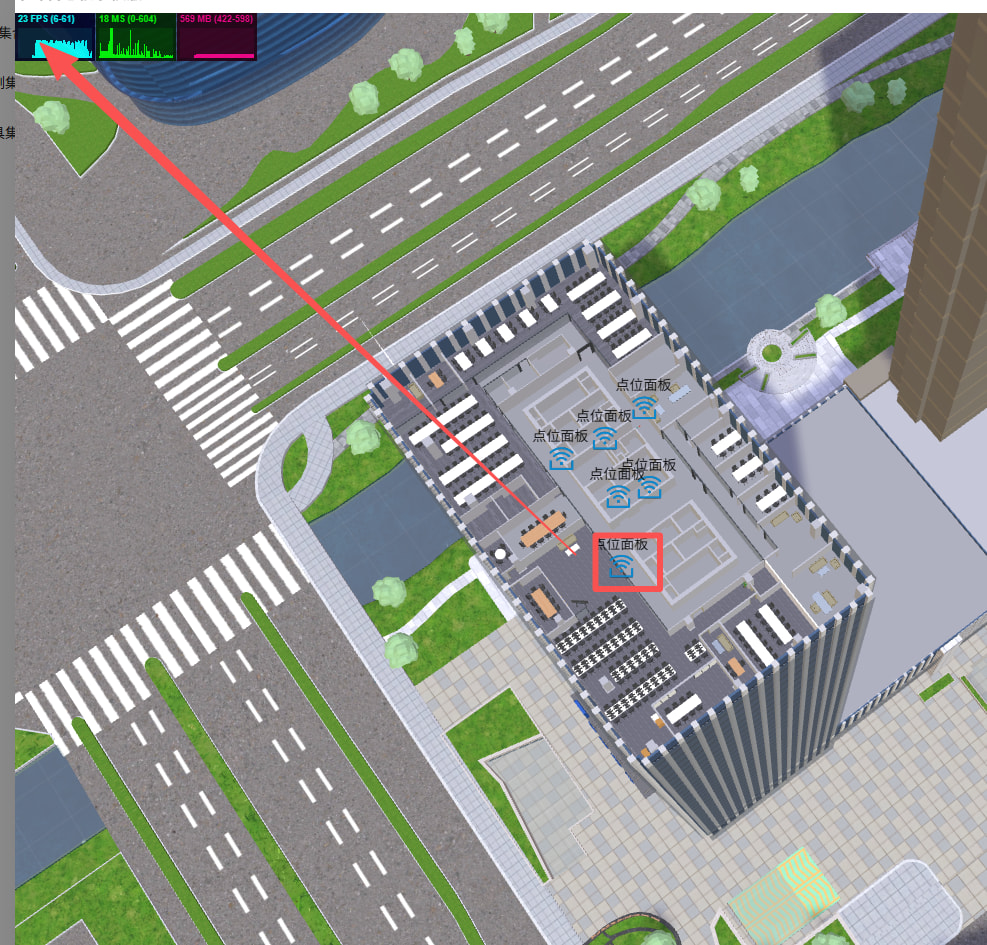

I’ve noticed that when I quickly drag the Icons formed by my Sprite or Image+Plane over objects on multiple floors, there is severe frame dropping. Is there any way to optimize this? I’ve tried setting the fastCheck parameter of scene.pick to true, but the accuracy is insufficient. My entire building has about 36 floors, and the overall mesh has around 300 vertices. In the drawcall scenario shown in Figure 1061, the Icons remain stable at 55 FPS when I don’t drag quickly, but may drop below 20 FPS after rapid movement
我发现我的sprite 或者
You should try GPU picking and see if it improves things for you:
Reason is probably: scene.skipPointerMovePicking
You can try to skip picking by setting these properties to true :
I also have detection for moving Mesh in and out, so I cannot turn off scene.meshUnderPointer
Oh, I see. This would have been the easiet fix. Then GPU picking as Evgeni_Popov? Otherwise there also is physics picking especially in conjunction with simpler shapes.
Please note that given the high poly count, I think it is likely that you cannot afford scene.meshUnderPointer.
Unless and come to think of it: is it possible to use LODs for picking (n.b. auto lod)?