This is my sandbox address:sandboxModel
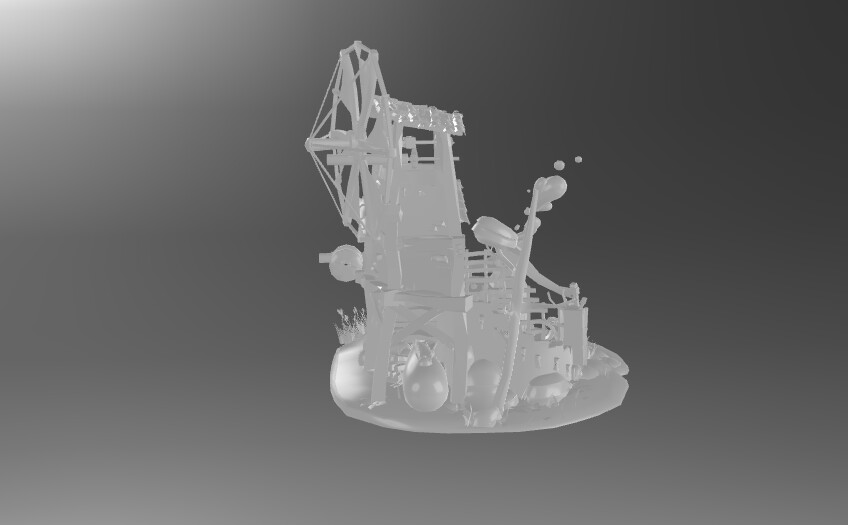
I put the model into the sandbox and display it
I will upload a local texture on my computer for the material named ‘T_General’. At this point, the effect of the model has changed:
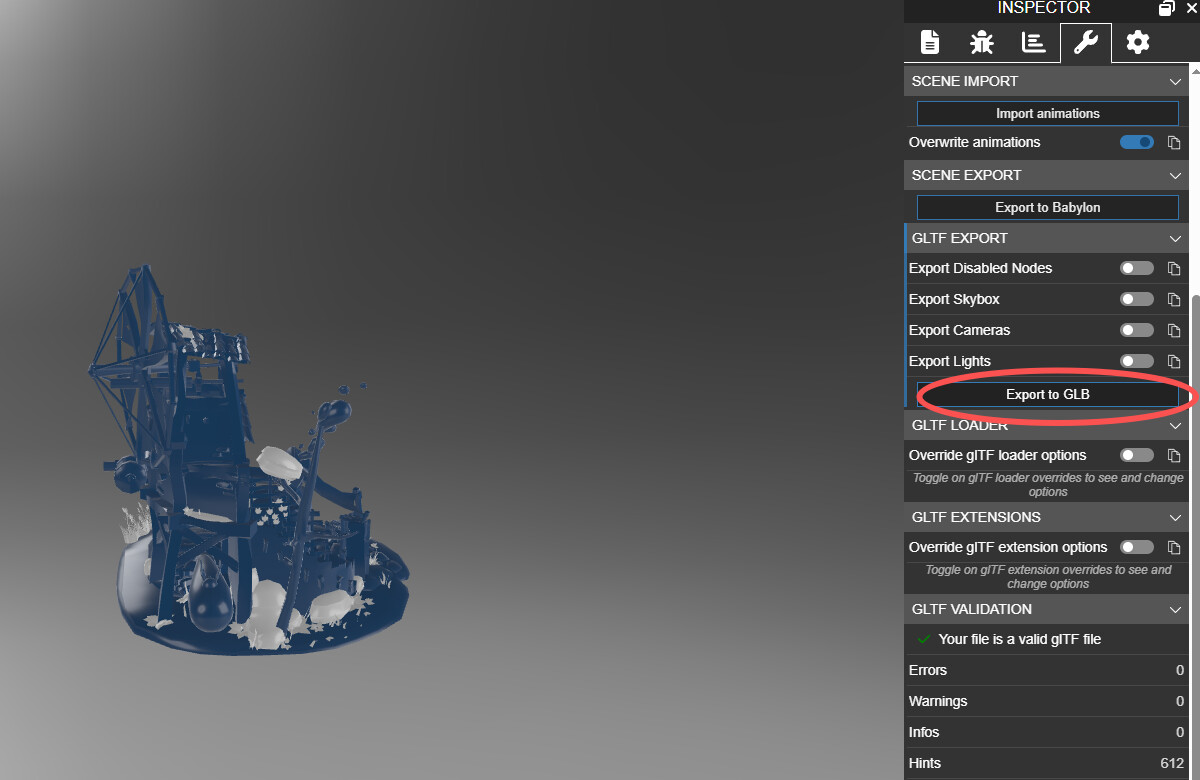
Then I exported the model:
I will drag the exported model back into the sandbox and see that the texture I just set has not taken effect, still displaying a white model:
I think this is a bug in the exporter
This specific case is undefined behavior. The model’s meshes don’t have UVs.
In Babylon, the shader arbitrarily falls back to using the (0,0) UV coordinate for the entire mesh, which is why the meshes have a solid color after you assign the albedo texture.
To keep the exported glTF small and compatible with other viewers, the exporter omits textures when it is not used with UVs.
Do you maybe have a different repro?
Thank you for the investigation. I have found the corresponding PR modification record.
master ← SergioRZMasson:sergio/new-gltf-exporter-2
opened 08:27PM - 21 Nov 24 UTC
This PR changes fundamentally how the Babylon serializer to GLTF works. It chang… es the way the serializer handles left hand to right hand conversion.
## Left hand to Right hand conversion
We no longer set mesh nodes with a negative scaling to handle left vs right hand conversion. We instead change every single vertex information when needed (normal, positions, and tangents) if the mesh was created in a left handed scene. We do the same for animation data and node transforms.
This should help decrease the file size of the exported glTF by removing the need for a root node to convert handedness, essentially reverting https://github.com/BabylonJS/Babylon.js/pull/13909.
## Cameras and Lights
We now collapse cameras and lights with their transform nodes that are added by the Babylon importer. The goal is for the scene to be able to roundtrip without infinitely expanding.
## Preserve vertex data
We now avoid as much as possible changing the type of vertex data. If the Babylon scene is holding vertex data using a particular type we will avoid at all cost converting it to float or to any other type. We might apply transformations to the data (such as left to right hand system conversion) but those modifications will be done in place, avoiding as much as possible creating a new buffer.
We also allow meshes that share the same geometry to point to the same accessors in the generated GLTF, se we no longer do any buffer duplication.
This should help significantly decrease some glTF file sizes on roundtrip, as we no longer make copies of buffers nor needlessly convert smaller buffer types to float buffers.
## Forum issues
This PR also fixes a couple of bugs from the forum:
[Wrong flipping of animated cameras](https://forum.babylonjs.com/t/gltfexport-flipped-camera/45986/10)
[Inconsistent transform serialization](https://forum.babylonjs.com/t/inconsistent-gltf-exports-between-babylon-5-and-babylon-6/45216)
[Instances exporting as separate meshes](https://forum.babylonjs.com/t/how-to-get-instances-exported-when-instantiating-hierarchy-from-assetcontainer/41007/5?u=arraybuffer) and https://github.com/BabylonJS/Babylon.js/issues/14056
Babylon.js is a powerful, beautiful, simple, and open game and rendering engine packed into a friendly JavaScript framework. - Blaming Babylon.js/packages/dev/serializers/src/glTF/2.0/glTFMaterialE...
It is indeed due to Babylon’s model optimization, but for Three.js and Blender, I’ve tested them and they haven’t implemented this optimization—they still retain the textures.