I am applying SSAO2 to my project to render CAD (B-rep) models.
Here, line rendering is required to represent each face, and I am drawing lines using MATERIAL_LineListDrawMode.
The problem is that when SSAO2 is applied, the line thickness noticeably thins out.
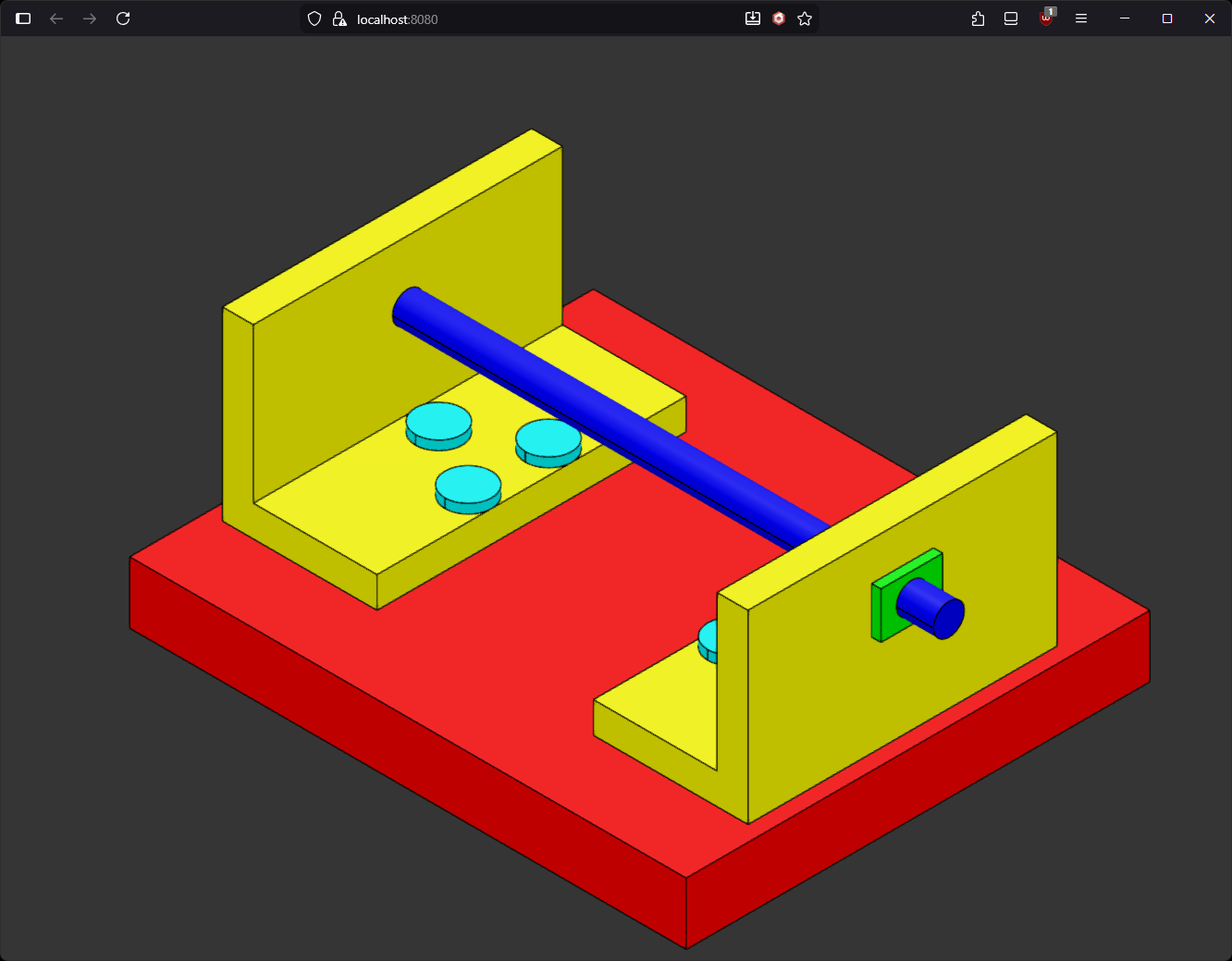
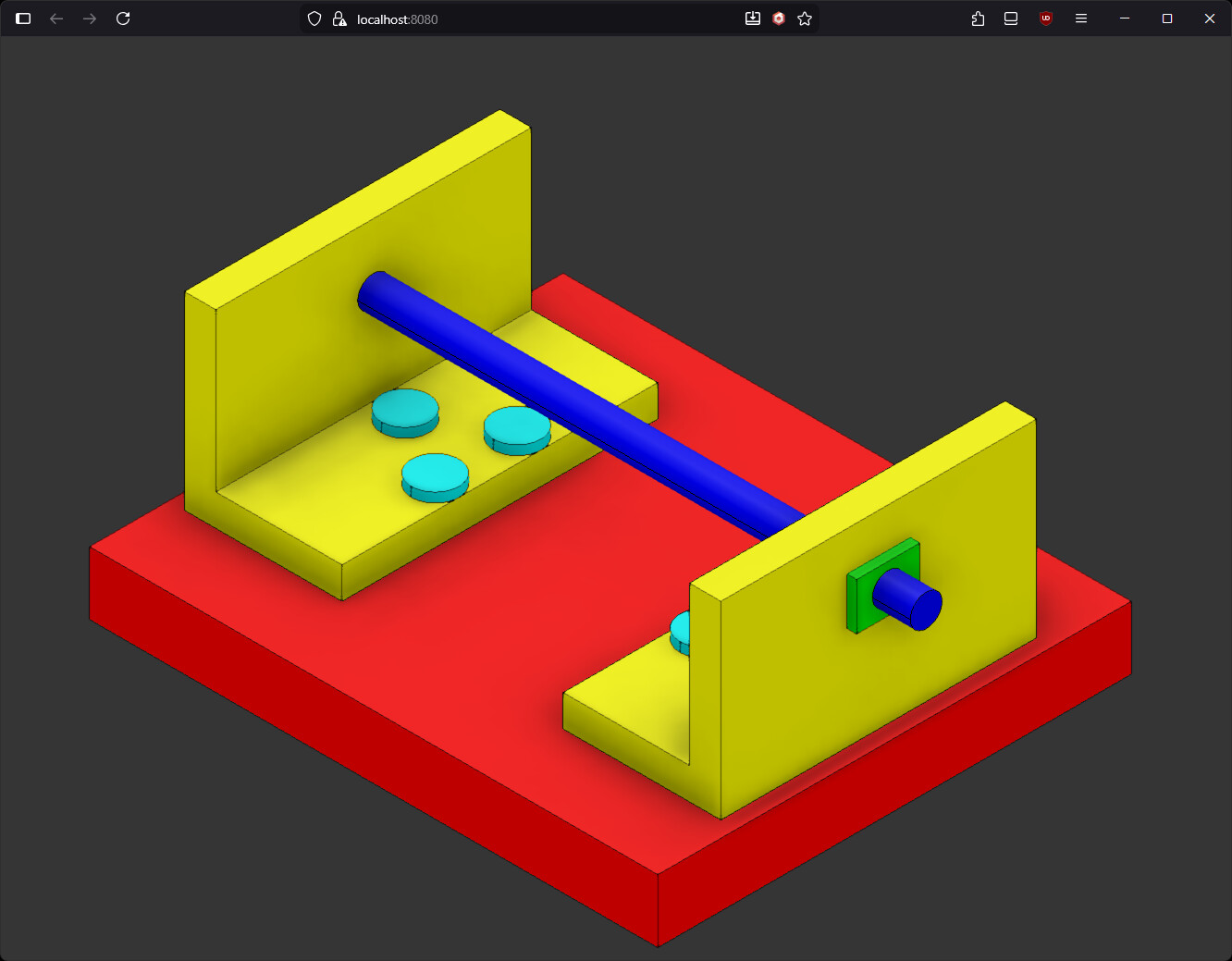
What could be causing this?
If this is a limitation of WebGL’s line renderer, I should probably use Greased Line or Line Geometry.
However, I’m concerned about performance and would prefer to use the native line rendering feature provided by the graphics API if possible
To be more contextual, the initialization code for my project’s rendering pipeline is as follows, and removing only the SSAO2 rendering pipeline results in thick lines appearing.
const defaultPipeline = this._defaultRenderingPipeline = new DefaultRenderingPipeline("default", false, scene, [this._orbitCamera], false);
defaultPipeline.samples = 4;
defaultPipeline.fxaaEnabled = true;
defaultPipeline.bloomEnabled = false;
defaultPipeline.grainEnabled = false;
defaultPipeline.sharpenEnabled = false;
defaultPipeline.chromaticAberrationEnabled = false;
defaultPipeline.imageProcessingEnabled = true;
defaultPipeline.prepare();
defaultPipeline.imageProcessing.toneMappingEnabled = true;
defaultPipeline.imageProcessing.toneMappingType = ImageProcessingConfiguration.TONEMAPPING_KHR_PBR_NEUTRAL;

this._ssaoRenderingPipeline = new SSAO2RenderingPipeline(
    "ssao",
    scene,
    { ssaoRatio: 1.0, blurRatio: 1.0 }, // ratio
    [this._orbitCamera], // cameras
    false, // forceGeometryBuffer
    Constants.TEXTURETYPE_FLOAT // textureType
);
this._ssaoRenderingPipeline.samples = 16;
this._ssaoRenderingPipeline.bilateralSoften = 1.0;
this._ssaoRenderingPipeline.bilateralTolerance = 1.0;