The large scene model will Stuck and stopped for about 2 seconds when the fog is turned on for the first time.
How can I turn on and off fog without blocking rendering?
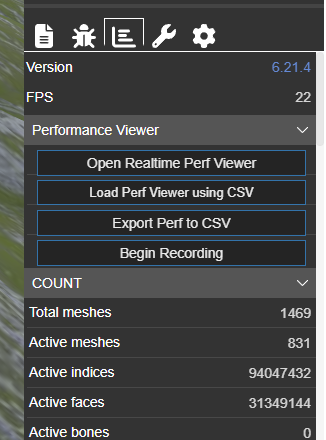

Hi and welcome to the community,
So, should I read you are setting fog only on user input and it’s only the first time that the scene ‘freezes’ for a while, is it? What about a simple work-around, activating and de-activating fog on scene init? Would that do the trick?
This will make the initialization much slower.
Is it, really? Did you check on it? And actually I just recalled I had a similar issue in one of my very first projects. I suppose you are using the simple fog mode. Using this, I kind of recall I have been keeping fog on at all time and simply changing the parameters (to visually enable/disable fog). I also believe there are now better options to create fog. May be you should give it a quick search in the forum…
Not enough infos for me to make sure the problem, a playground can explains better.
I guess it is the shader recompile that causes the stuck, you can write your own fog shader in postprocess to avoid that.
Yes, all the materials must be recompiled with the fog shader when you enable it the first time, there’s no way around it.
As @mawa said, an option would be to turn on fog right at start and keep it all the time, and simply change the parameters to visually enable/disable it. The fog shader code is not very involved, it should not hurt the performance.
Is there any way that I can perform a material compilation after all the shadows, fog, and environment maps have been modified?
Or is there a way to compile it without affecting the normal rendering of my scene?
Just about 2 seconds slower or even less in your case, which is actually negligible time for the large scene model as in your case.
Yes, just set big values for fogStart / fogEnd (like camera.maxZ):