Hi,
I’m working with glTF models that need a strongly pronounced iridescence effect. However, I’ve noticed that BabylonJS renders iridescence differently from the Khronos Viewer - BabylonJS produces a noticeably softer effect using the same parameters. I’d like to understand whether there’s a way to make BabylonJS create the same looking result as in Khronos Viewer.
https://app-store.bitbybit.dev/files/test-forum-2.gltf
I’ve prepared a file that you can load in Khronos Viewer and in BabylonJS Sandbox
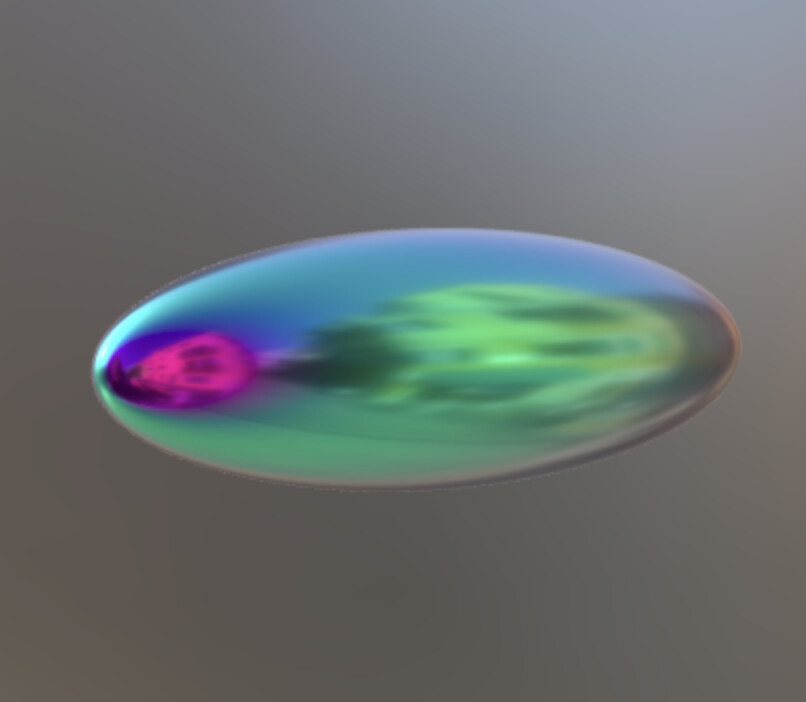
Here’s how it looks in Khronos Viewer
iridescenceFactor 5 (larger then max allowed, but the way we want it to look)

Here’s how the same file looks in BabylonJS Sandbox
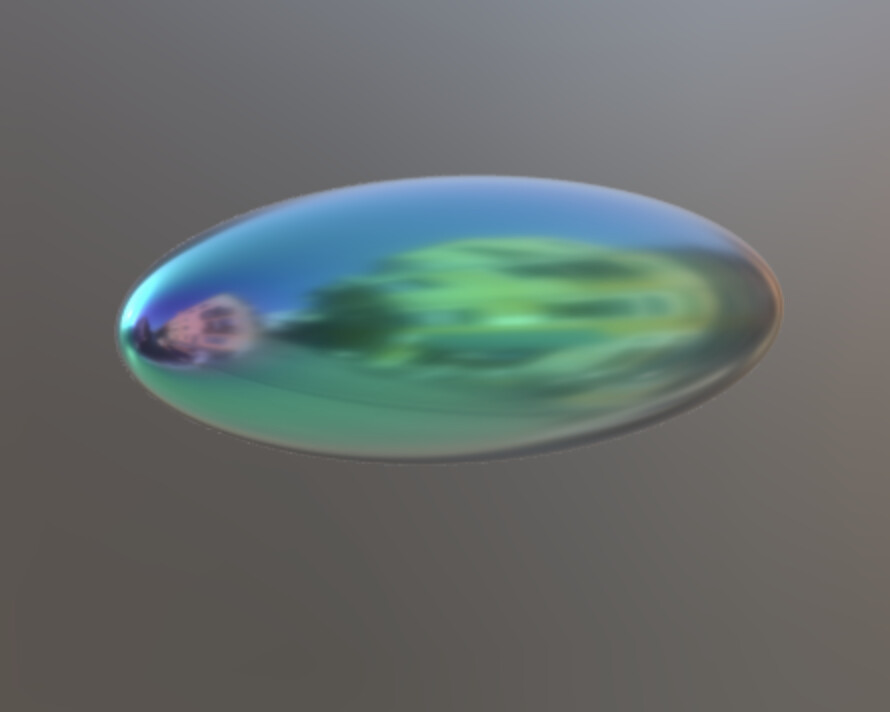
This particular file has iridescenceFactor set to 5, which is higher than what the specification allows. However, the Khronos Viewer handles this the way we’d like - it exaggerates the effect and still interprets the out-of-range value.
It also seems that the purple and green hues appear in different areas on the same model depending on the viewer.
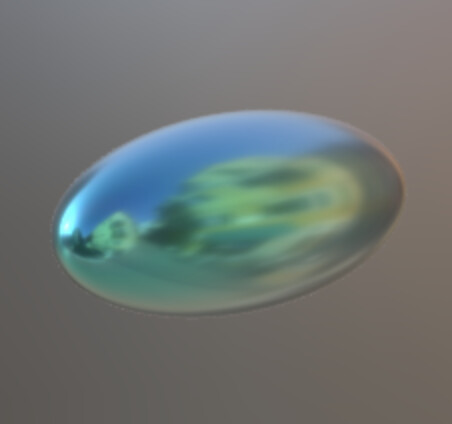
Even when iridescenceFactor is set to 1, the results in BabylonJS and the Khronos Viewer still differ slightly. Here’s the file:
https://app-store.bitbybit.dev/files/test-forum-iridescence-1.gltf
And here are the visual differences:
Khronos Viewer (still somewhat noticeable):
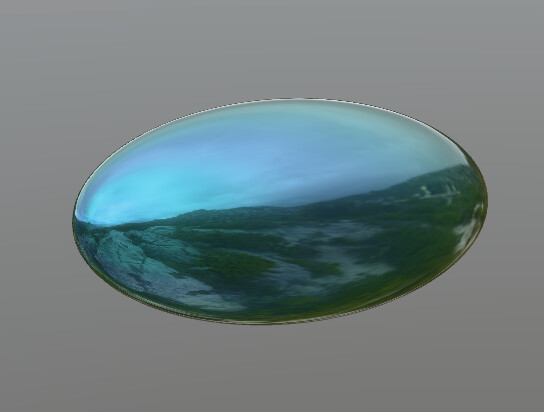
BabylonJS Sandbox (not sure it’s noticeable at all):
I’d like to understand whether there’s any way to adjust the glTF file so that it produces the same iridescence effect seen in the Khronos Viewer.
Is there a fundamental difference in how the iridescence specification is implemented in the Khronos Viewer compared to BabylonJS?
Any help or advice on this is highly appreciated.
I also tried it on other viewers and while ThreeJS results look similar to BabylonJS, PlayCanvas is doing it in the same way as Khronos Viewer